What Is the DMS PreApproval Page?
Before conducting a checkride, DPEs must submit a PreApproval request in the FAA Designee Management System (DMS). This involves copying checkride details — applicant name, certificate number, test type, date, location, and more — into the DMS form. The DMS PreApproval page on DPE Waitlist gathers all of these details in one place so you can copy each field value directly to your clipboard with a single click, eliminating manual lookups and reducing data-entry errors.
Opening the DMS PreApproval Page
Once a checkride is in CONFIRMED status, a DMS PreApproval link appears on the checkride detail view.
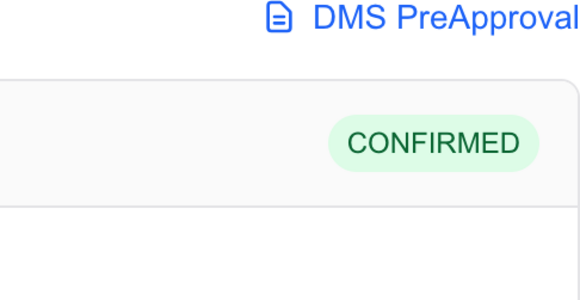
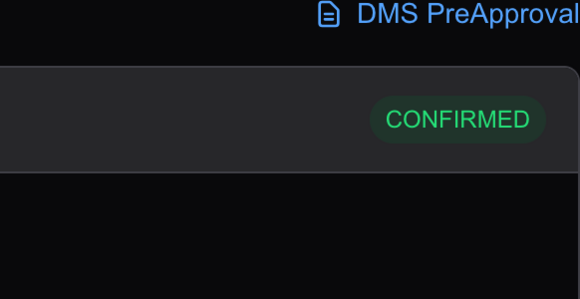
Click the link to open the DMS PreApproval page for that checkride.
Reading the PreApproval Page
The page displays every field you need when filling out the DMS PreApproval form, organized into sections:
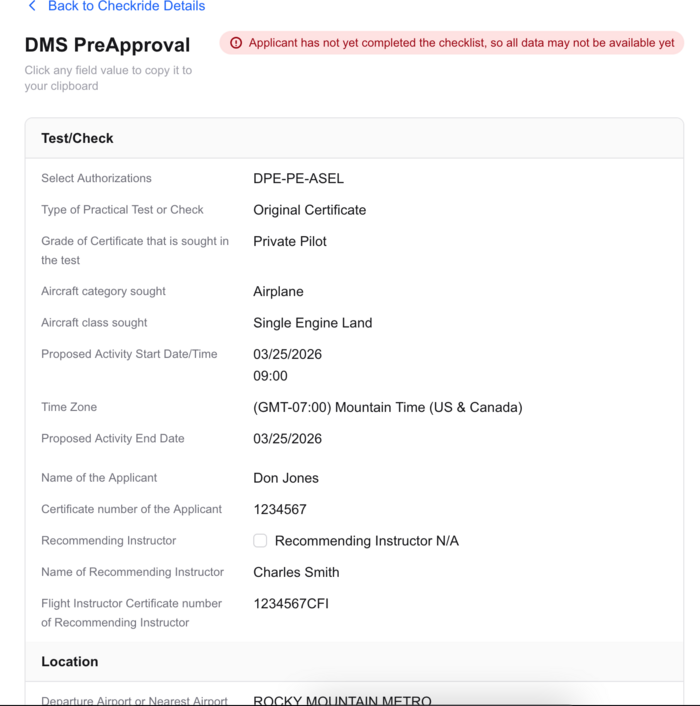
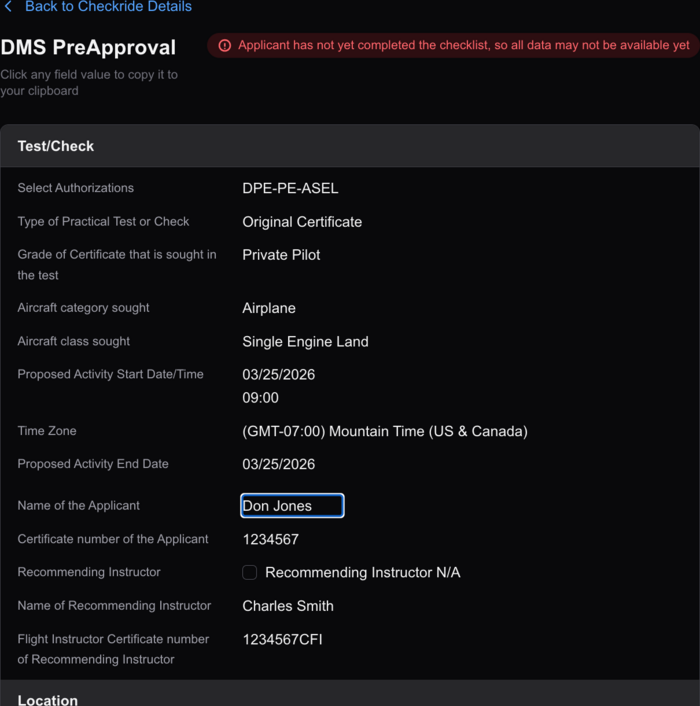
Test/Check
- Select Authorizations — Your DPE authorization code (e.g., DPE-PE-ASEL).
- Type of Practical Test or Check — Whether this is an original certificate, additional rating, or retest.
- Grade of Certificate — The certificate level being sought (e.g., Private Pilot).
- Aircraft category and class — The category and class for the test (e.g., Airplane, Single Engine Land).
- Proposed Activity Start Date/Time — The scheduled date and time.
- Proposed Activity End Date — The scheduled end date.
- Name of the Applicant — The applicant's full name.
- Certificate number of the Applicant — The applicant's FAA certificate number.
- Recommending Instructor — Whether a recommending instructor is applicable.
- Name / Certificate number of Recommending Instructor — Instructor details, if applicable.
Location
- Departure Airport or Nearest Airport — The airport identifier for the testing location.
- Address fields — Street address, city, state, and zip code of the testing location, pre-populated from your saved locations.
Copying Field Values
Click any field value on the page to copy it to your clipboard. You can then switch to the DMS browser tab and paste the value directly into the corresponding DMS form field. This click-to-copy workflow lets you fill out the DMS PreApproval form field by field without retyping anything.
Incomplete Data Warning
If the applicant has not yet completed their pre-checkride checklist, a warning banner appears at the top of the page indicating that some data may not be available yet. Fields that depend on checklist completion — such as instructor details — may be missing until the applicant finishes their checklist. You can still copy the fields that are available and return later for the rest.