Where to Find It
When the scheduler is configured to make offers for you (Automatic Scheduling mode is enabled, or Self-Serve mode with the waitlist head start on), Automatic Scheduling appears under Checkrides in the sidebar.
What It Shows
A history of what the scheduler has done, latest first and grouped by day, with the time each happened in Zulu time:
- Offered — "Offered Alex Kim a Private ASEL Initial checkride on Tue, Oct 20, 8:00 AM – 12:00 PM at KCOS." An offer still out is marked Awaiting an answer; one withdrawn unanswered, because the time was taken or is no longer offered, is marked No longer offered.
- Accepted — the applicant accepted, and the checkride is booked.
- Declined — the applicant declined.
- Expired — in Self-Serve, an offer still unanswered when its date opened for booking.
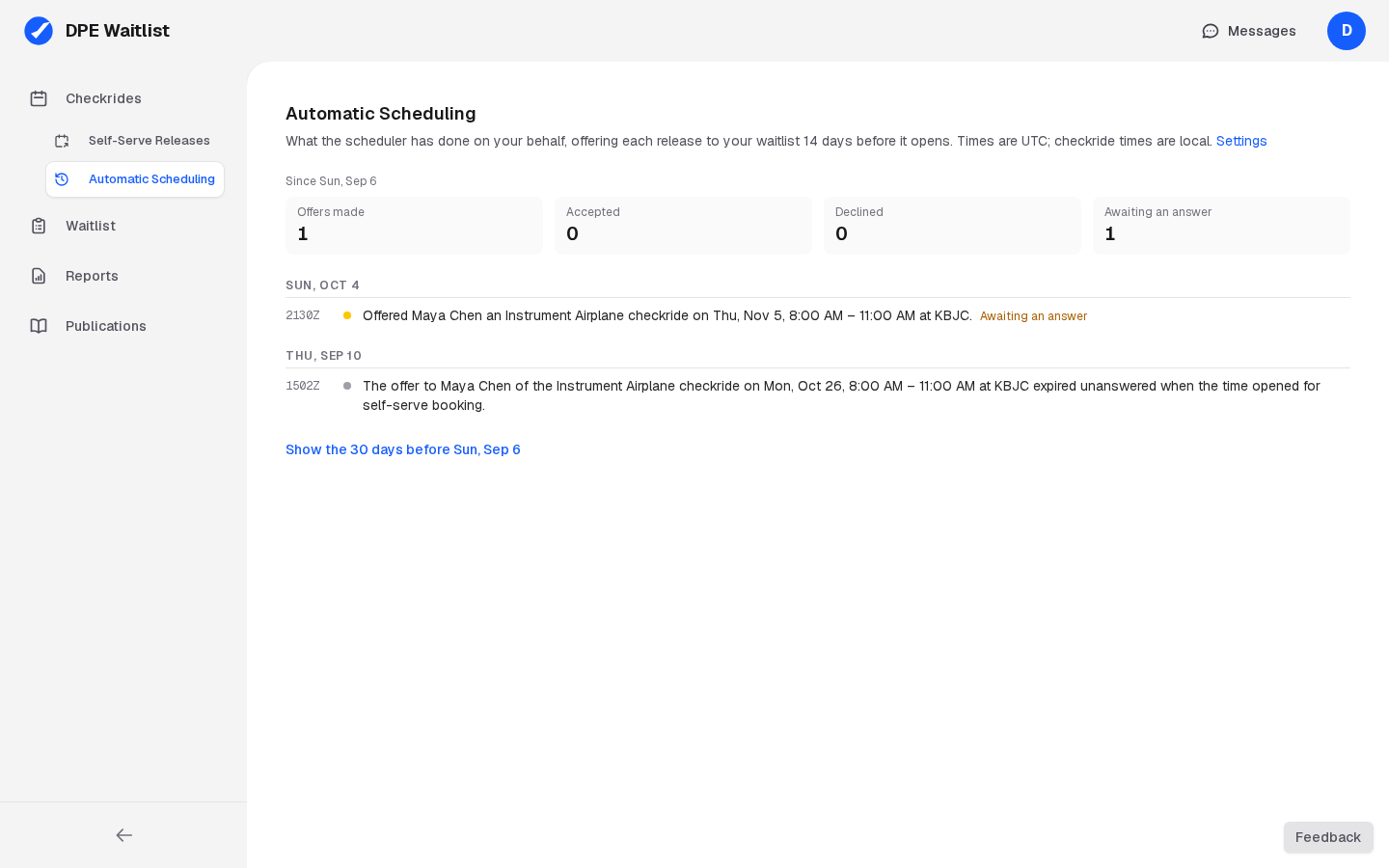
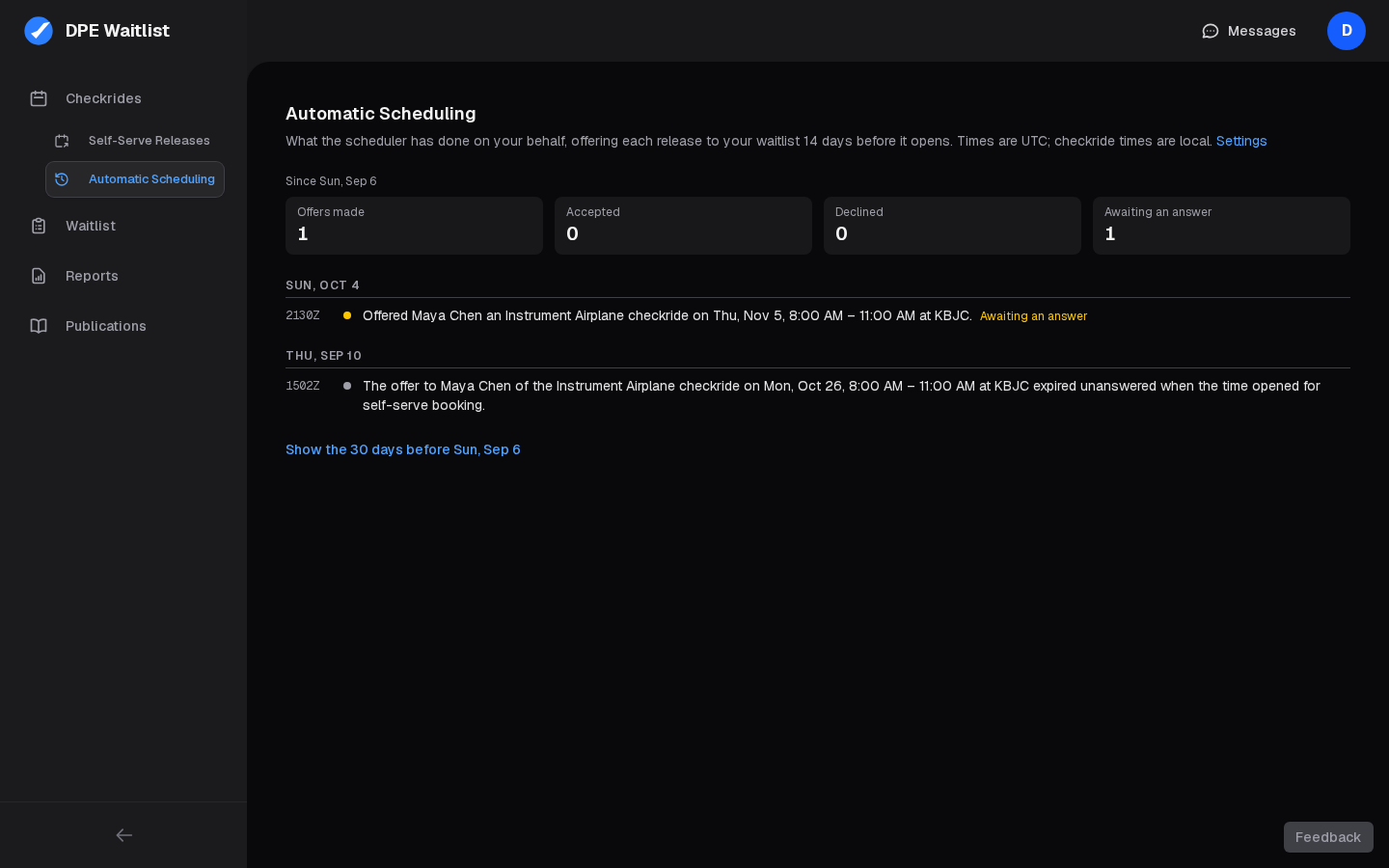
Above the history are counts for what it covers: offers made, accepted, declined, and awaiting an answer. It shows the last 30 days; Show the 30 days before goes further back.
It says what happened, not how the scheduler chose; see How the Automatic Scheduler Works for that.