How Applicants Find You
Applicants discover DPEs using the interactive map on DPE Waitlist. They can browse by location, filter by checkride type, and view DPE profiles. When an applicant finds your listing on the map, they see your public profile including your name, bio, checkride types offered, testing locations, and fees.
The Self-Serve Signup Flow
When an applicant visits your public profile and your waitlist is enabled for self-serve, they can join your waitlist directly. The process from the applicant's perspective is straightforward:
- The applicant finds your profile on the DPE map.
- They click the button to join your waitlist.
- They select the checkride type they are pursuing and their preferred testing location.
- They confirm, and they are added to your waitlist.
How You Are Notified
When a new applicant joins your waitlist through self-serve signup, you receive a system notification in your messages. A new conversation thread is also created automatically, giving you a direct channel to communicate with the applicant.
Where New Applicants Appear
Self-serve signups are added to the bottom of your waitlist. You can reorder them by dragging their card to a different position if you want to adjust their priority relative to other applicants.
The Enable Waitlist Toggle
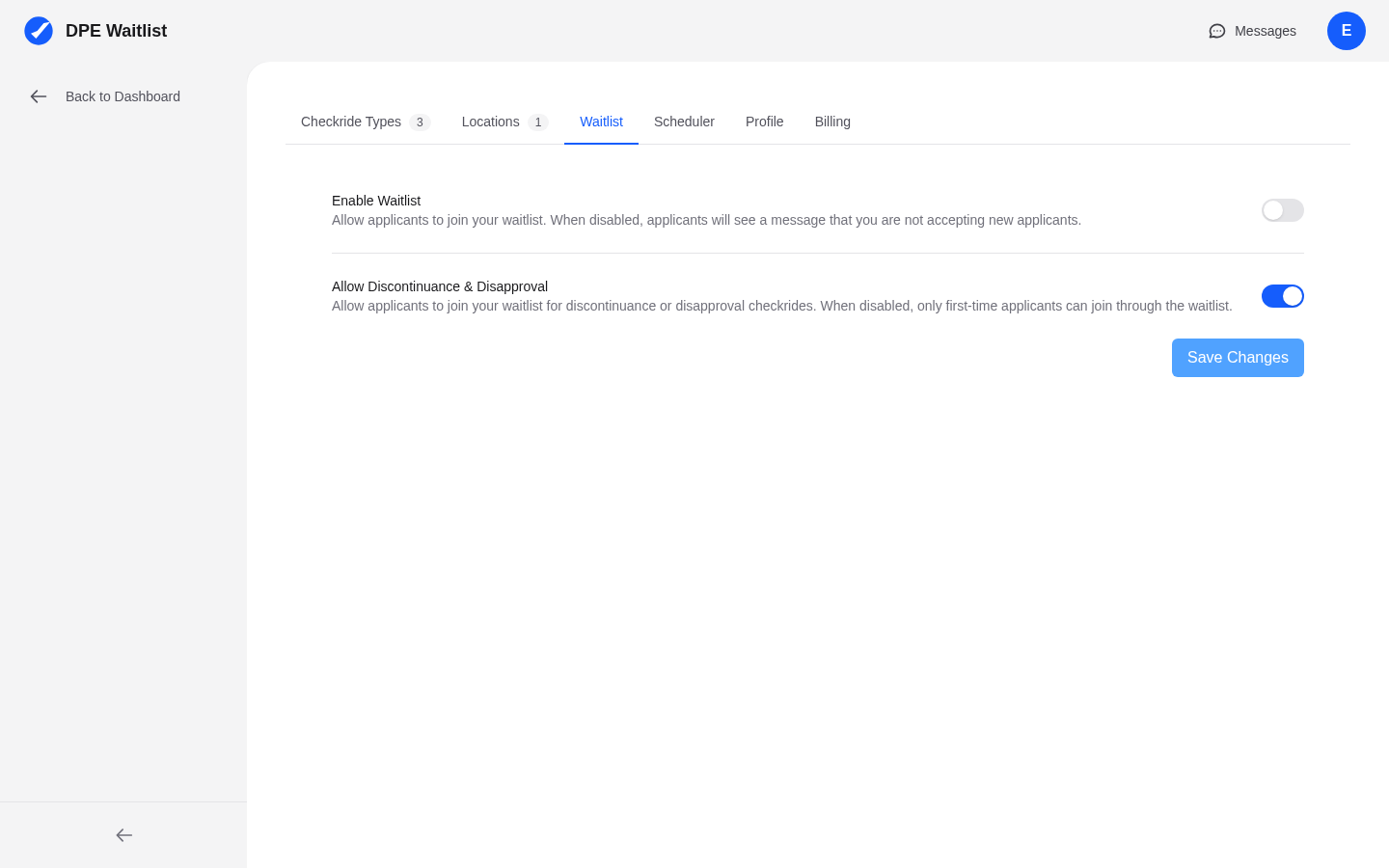
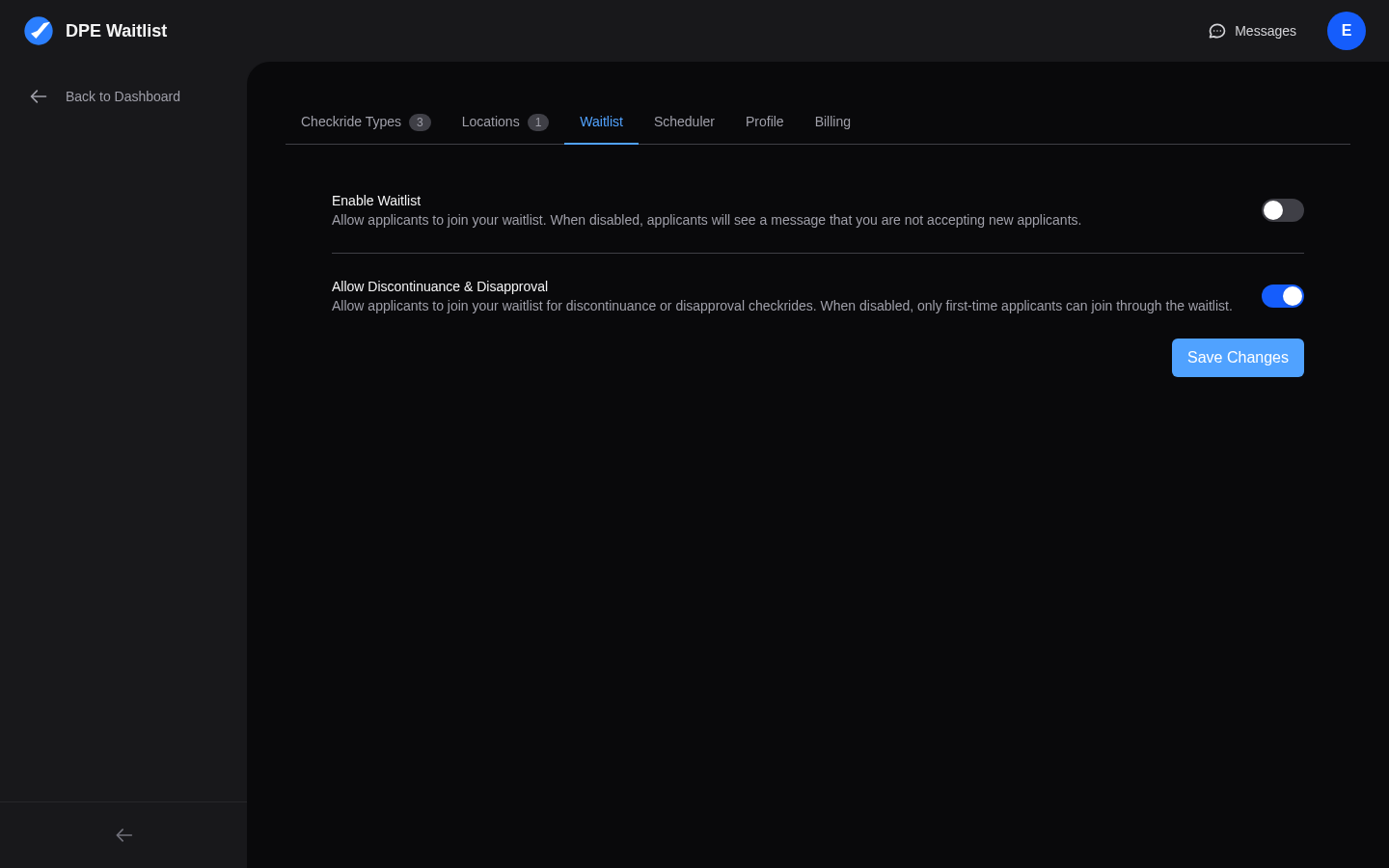
You control whether self-serve signup is available through the Enable Waitlist toggle in your scheduler settings. Here is how it works:
- Enabled — Applicants who find you on the map can join your waitlist directly. This is the recommended setting if you want to grow your applicant base.
- Disabled — Applicants can still see your profile on the map, but instead of a join button, they see your contact information. They would need to reach out to you directly, and you would add them by sending an email invitation.