Accessing the DPE Map
Click Find DPE in the sidebar to open the interactive DPE search map. This is the primary tool for discovering Designated Pilot Examiners in your area.
The Map Interface
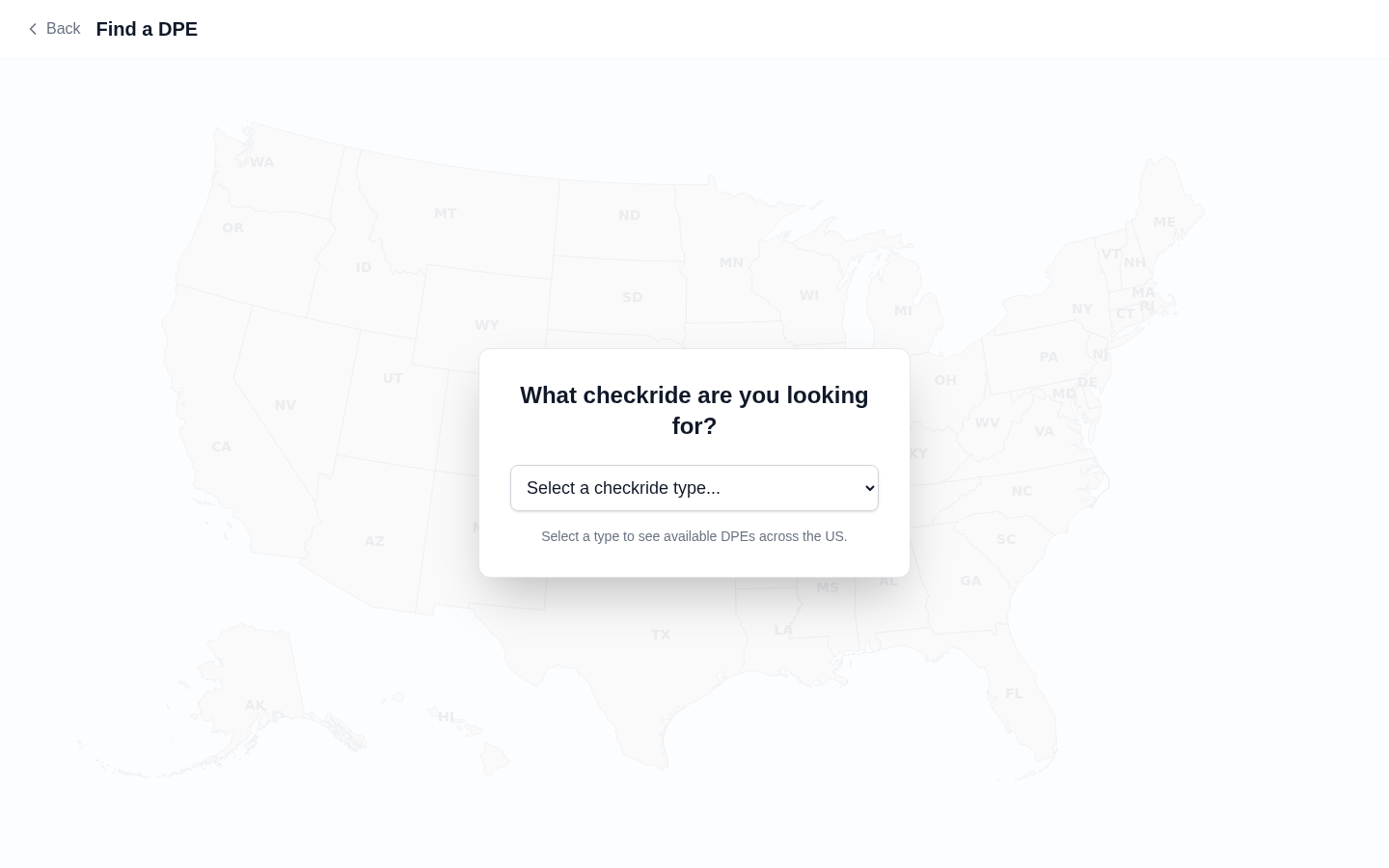
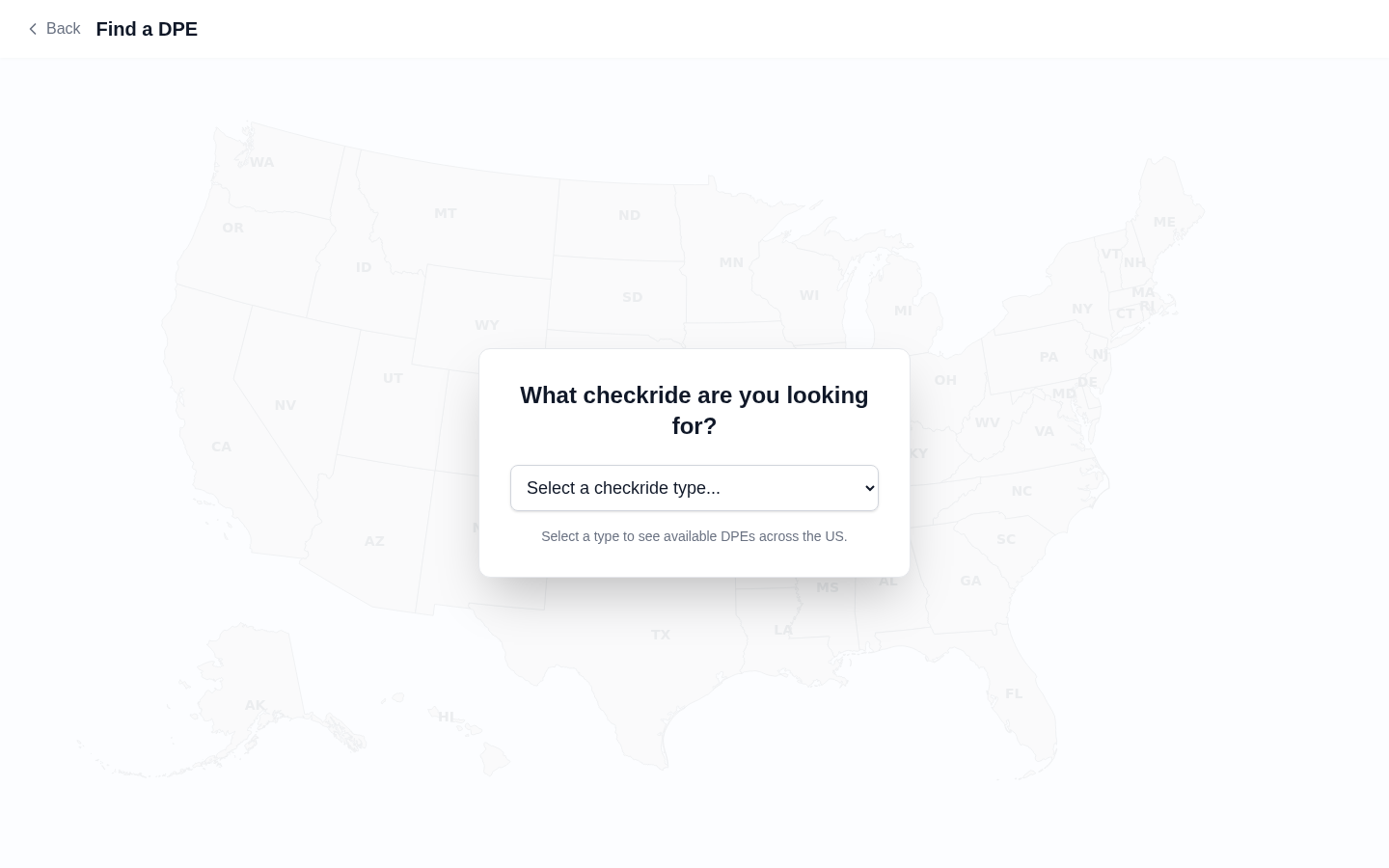
The map displays DPE locations as markers across the United States. You can interact with it in several ways:
- Zoom — Use your scroll wheel, pinch gesture (on mobile), or the zoom controls to zoom in and out.
- Pan — Click and drag (or swipe on mobile) to move the map and explore different areas.
- Click a marker — Click on any DPE marker to view that examiner's profile card with details about their checkride types, locations, and fees.
DPE Markers
Each marker on the map represents a DPE's testing location. At a glance, you can see the DPE's approximate location. Click a marker to see the DPE's name, the checkride types they offer, and their testing locations.
Registered vs. Unregistered DPEs
The map shows DPEs from two sources:
- Registered DPEs — Examiners who have created an account on DPE Waitlist. These DPEs have full profiles with bios, fees, locations, and active waitlists you can join directly. Look for the Join Waitlist button on their profile card.
- FAA directory listings — Examiners listed in the FAA Designee Management System who have not yet joined the platform. These listings show basic contact information from FAA records. You can copy their contact details to reach out directly.
The DPE List Panel
Alongside the map, a list panel shows DPEs in the currently visible area. You can scroll through this list to browse DPEs without clicking individual markers. Clicking a DPE in the list highlights their marker on the map and opens their profile card.
Searching by Location
Use the search bar at the top of the map page to search for DPEs near a specific city, airport identifier, or address. The map will center on your search location and show nearby DPE markers.