What the Waitlist Is and Why It Exists
The waitlist is your queue of applicants who are waiting for a checkride with you. It serves as the central place to manage who is next in line, track their readiness, and feed applicants into the automatic scheduler. Think of it as your pipeline of upcoming checkrides.
The Waitlist Page Layout
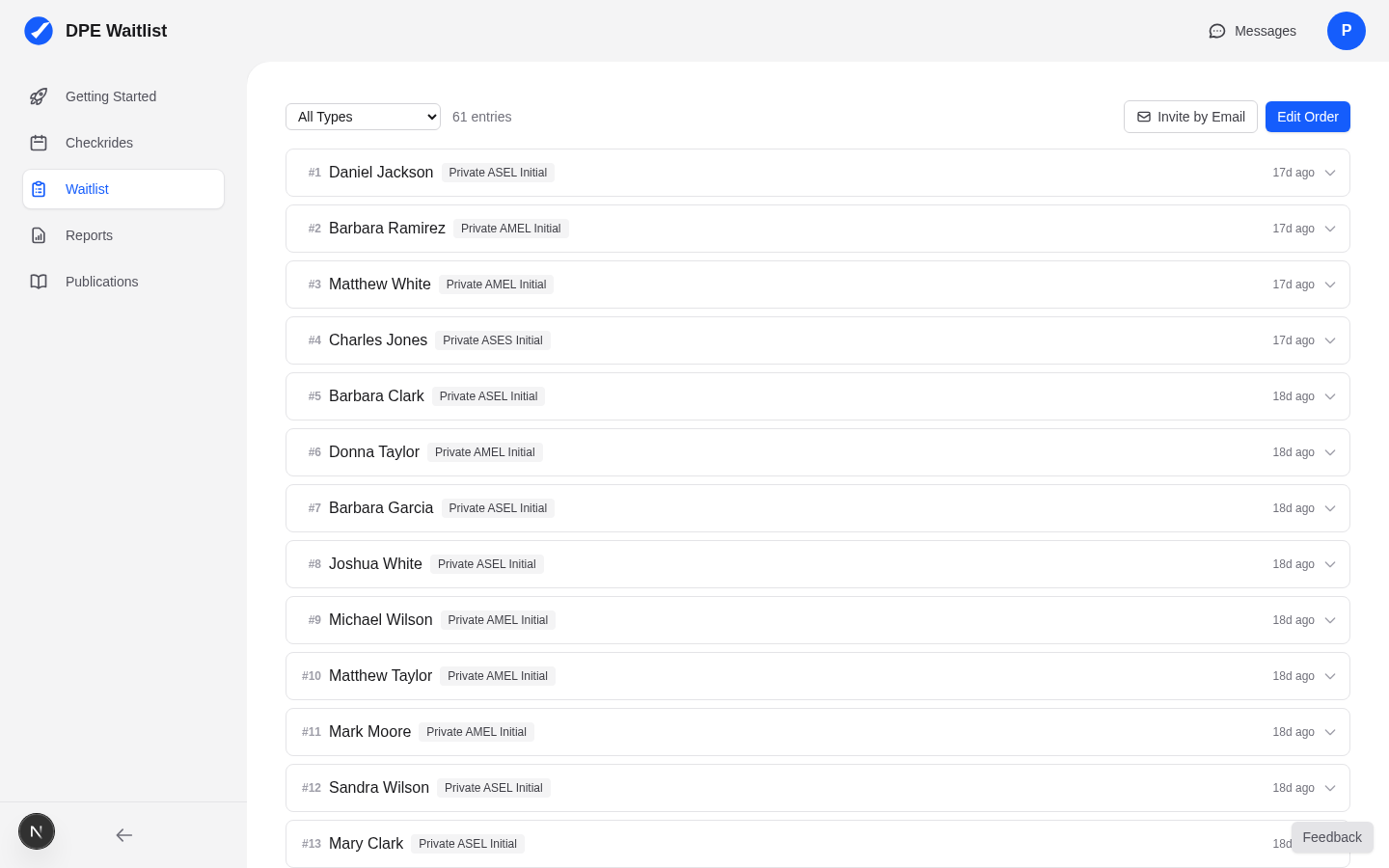
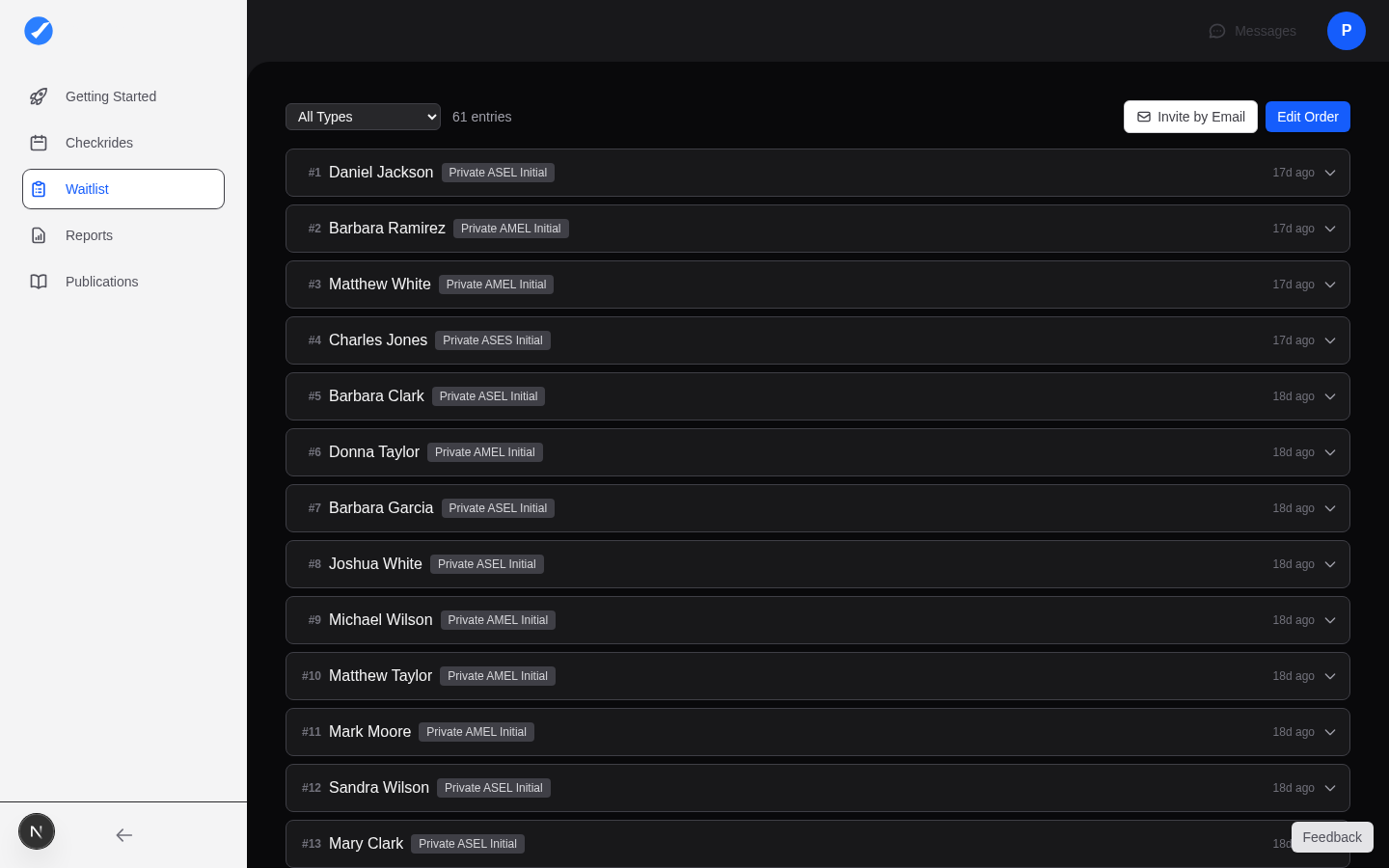
When you click Waitlist in the sidebar, you see a list of applicant cards arranged in priority order from top to bottom. Each card represents one applicant's entry on your waitlist. The order of the cards determines who gets scheduled first when you are using the MAXIMIZE_WAITLIST priority mode.
Information Shown Per Applicant
Each applicant card on the waitlist displays:
- Applicant name — The applicant's display name.
- Checkride type — The type of checkride they are waiting for (e.g., Private Pilot, Instrument Rating).
- Join date — When the applicant was added to your waitlist.
- Readiness status — A percentage or indicator showing how much of their pre-checkride checklist they have completed.
- Pending or confirmed checkrides — Whether the applicant currently has an outstanding offer or a confirmed checkride with you.
How Applicants Join Your Waitlist
Applicants can join your waitlist in two ways:
- Invited by you — You send an email invitation with the applicant's email address and the checkride type. This is the primary way to onboard applicants you already know.
- Self-serve signup — If your waitlist is enabled for self-serve, applicants can find you on the DPE map and join your waitlist on their own. They select their desired checkride type and location preferences when signing up.
Waitlist Position and Scheduler Priority
The position of each applicant on your waitlist matters, especially when using the MAXIMIZE_WAITLIST priority mode. Higher-positioned applicants are offered checkrides first. For other priority modes, the waitlist position serves as a tiebreaker when other factors (time, revenue, count, variety) are equal between two applicants.
Multiple Checkride Types Per Applicant
An applicant can appear on your waitlist more than once if they need multiple checkride types. For example, an applicant might be on your waitlist for both a Private Pilot checkride and an Instrument Rating checkride. Each entry is managed independently.
DPE Notes
Each waitlist entry includes a private notes field where you can add your own comments about the applicant. These notes are visible only to you and can be useful for tracking details like the applicant's training progress, preferred scheduling times, or any special circumstances.