The Release Schedule
In Self-Serve mode, one release schedule determines the moment each availability block is made available for applicants to book checkrides in. You configure it with the sentence at the top of the Self-Serve settings area on the Scheduling tab: "Open for booking [1] [months] ahead, on the [10th], at [1500]Z." Beneath it is the next release, for example "Next release: Oct 10, 1500Z opens Nov 1–30."
- Monthly — on a day of the month (1st to 27th), the release opens a whole month: a month ahead on the 10th opens all November availability on October 10.
- Weekly — on a particular day of the week, the release opens the seven days starting some number of weeks in the future.
- Daily — each day opens the single date some number of days later (at least two).
Release times are specified in Zulu time rather than local time like most of the platform, because a release is one moment for everyone and is not affected by the applicant's or the DPE's time zone.
The Waitlist Head Start
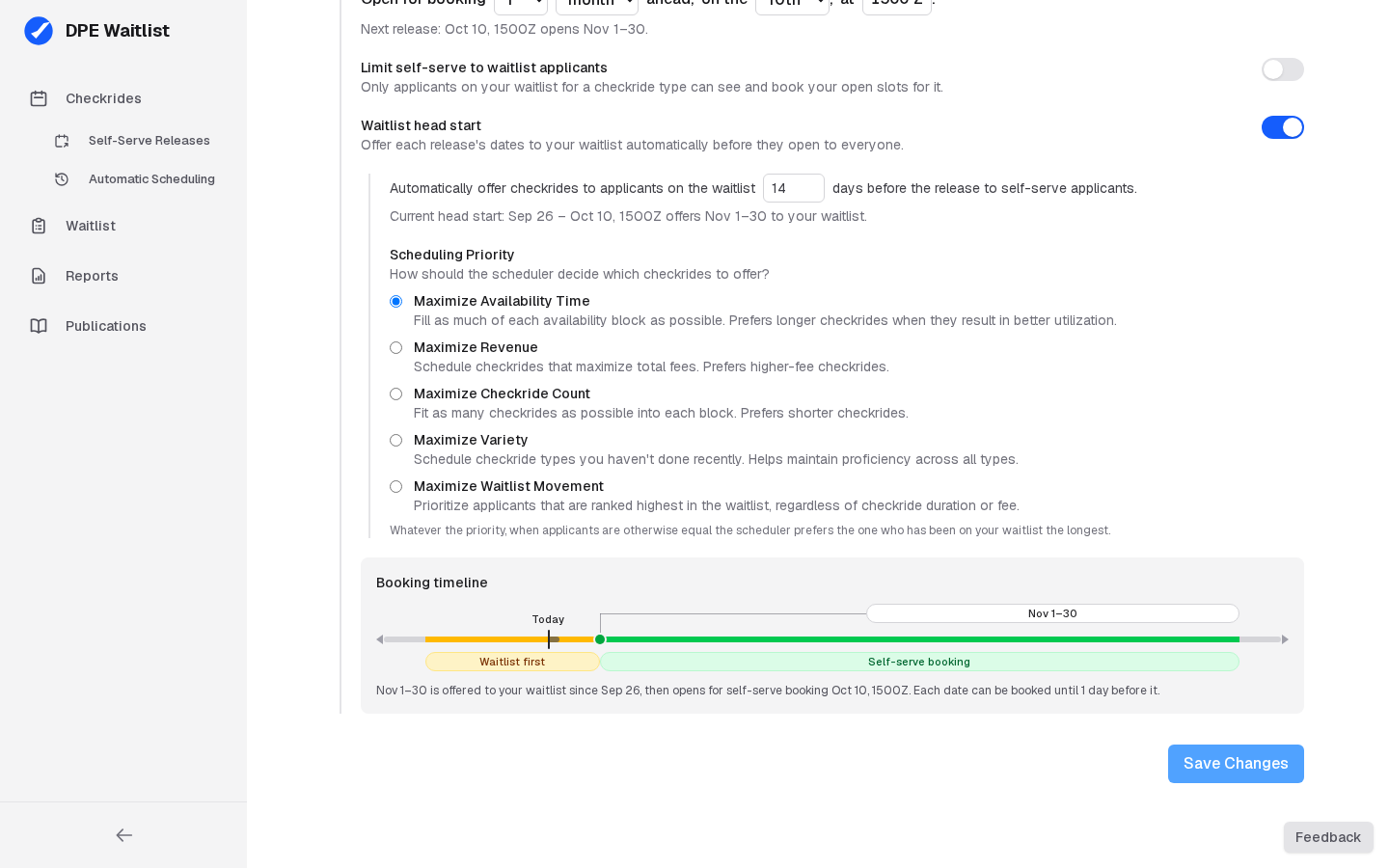
Turn on Waitlist head start to give applicants on your waitlist first dibs on your availability. Its settings then appear beneath it: "Automatically offer checkrides to applicants on the waitlist [14] days before the release to self-serve applicants.", and your Scheduling Priority. During those days the scheduler offers each date to your waitlist, following your Scheduling Priority; at the release, whatever is left opens to everyone and any offer still unanswered expires. Beneath it is the current or next head start, for example "Current head start: Sep 26 – Oct 10, 1500Z offers Nov 1–30 to your waitlist." The head start can be 3 to 60 days.
The Booking Timeline
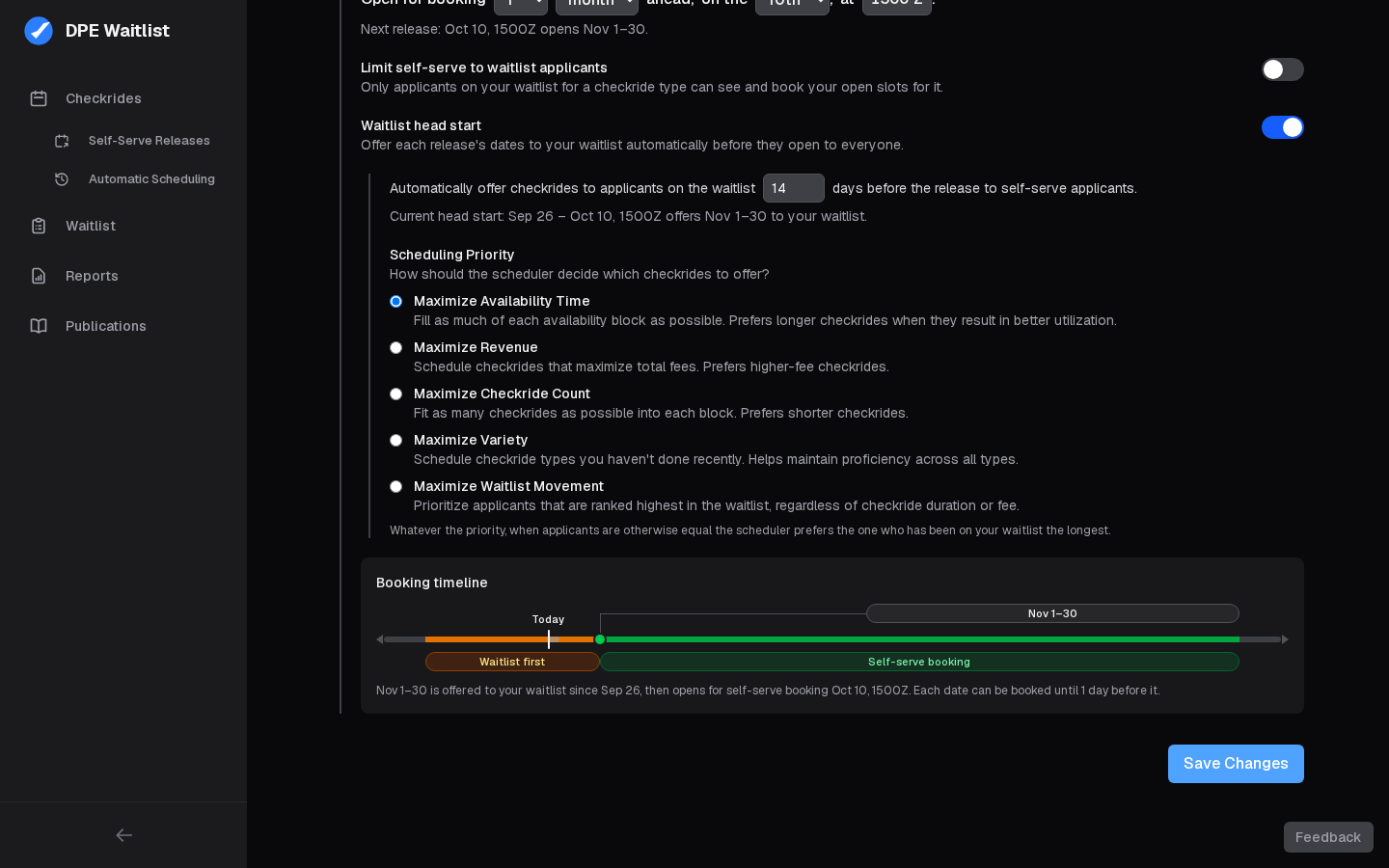
The grey panel at the bottom draws what your settings do, as you edit them: a rail with today and the minimum notice marked on it, the next release tied to the dates it opens, and the periods those dates go through, Waitlist first then Self-serve booking. One sentence beneath says the same in words.
Changing It
You can change your release schedule at any time, but it takes effect at once: dates the new schedule has already released open for booking as soon as you save, skipping their head start, and dates it hasn't released yet close until their new release. Save Changes lists those dates, and any offers that would start, so you can inspect and make sure it matches what you expect before it saves.