What Are Scheduler Priorities?
The scheduler priority setting tells the automatic scheduler what to optimize for when filling your calendar. Different priorities lead to different scheduling decisions. You choose the one that best matches how you want to run your practice.
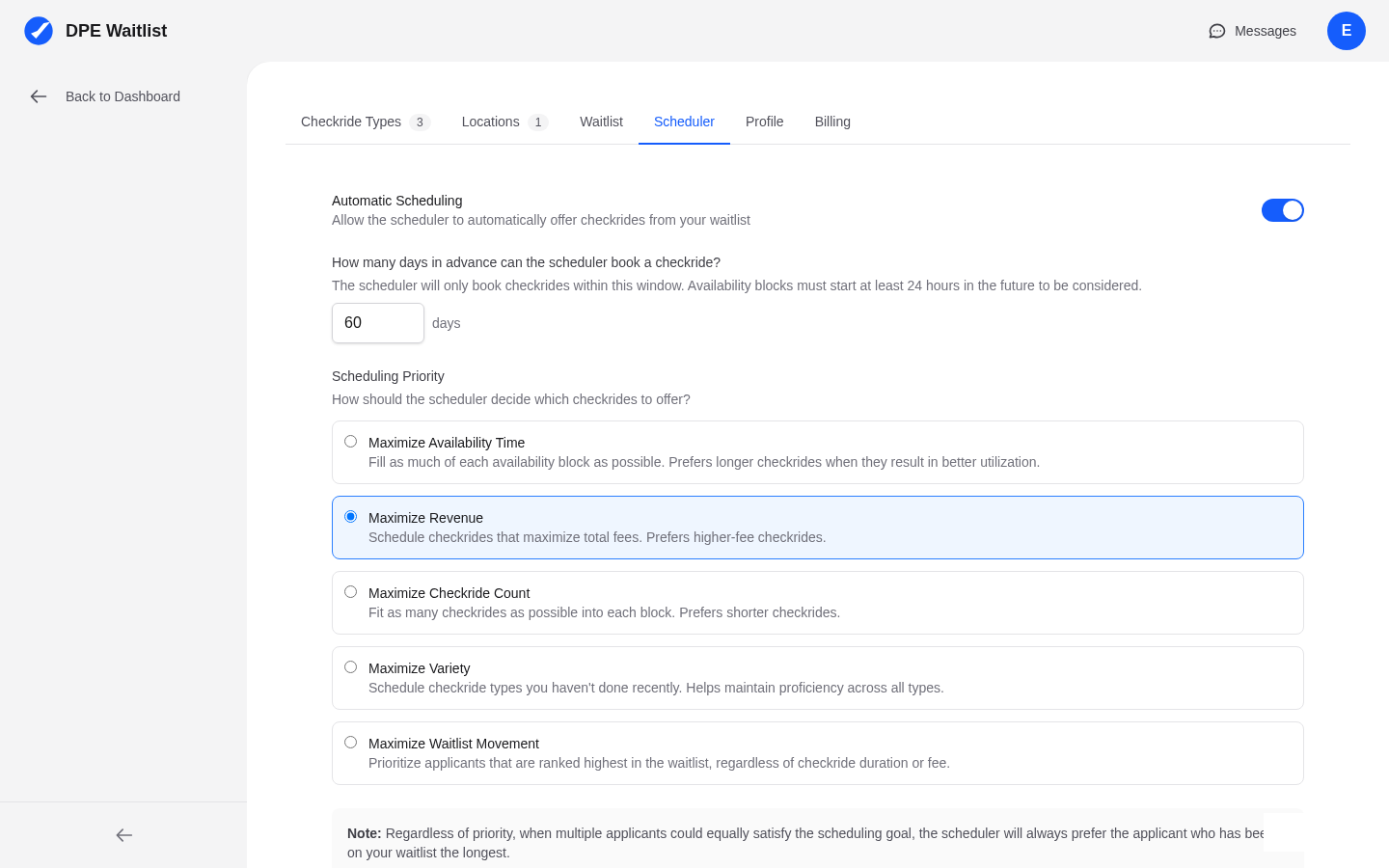
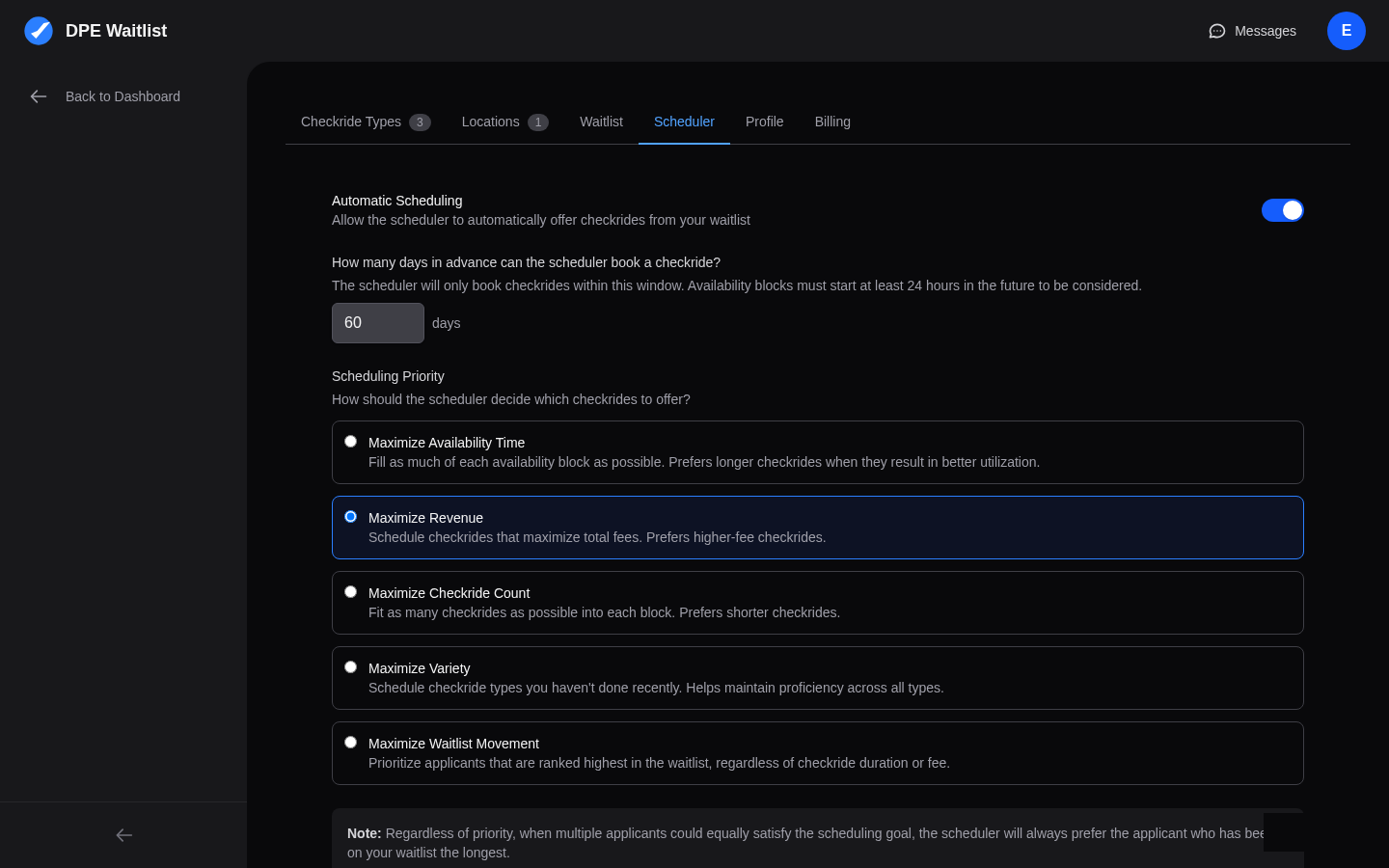
The Five Priority Modes
Maximize Time
MAXIMIZE_TIME fills as many of your available hours as possible, minimizing gaps between checkrides. This mode is ideal if your primary goal is to stay busy and make the most of your working hours. The scheduler will prefer scheduling longer checkrides and fitting them together efficiently to reduce idle time in your calendar.
Maximize Revenue
MAXIMIZE_REVENUE prioritizes checkride types that generate the highest base fees. If you offer a mix of checkride types with different fee structures, this mode ensures the scheduler fills your calendar with the highest-value checkrides first.
Maximize Count
MAXIMIZE_COUNT schedules the greatest number of individual checkrides possible. It tends to favor shorter checkride types so more can fit in a given time period. This mode is useful if you want to serve the maximum number of applicants, especially during busy seasons.
Maximize Variety
MAXIMIZE_VARIETY spreads checkride types evenly across your schedule. Instead of concentrating on one or two popular types, the scheduler ensures you conduct a diverse mix. This is helpful for maintaining FAA currency across multiple checkride types and keeping your examining skills sharp across categories.
Maximize Waitlist
MAXIMIZE_WAITLIST strictly follows the priority order you have set on your waitlist. Applicants at the top of your waitlist are scheduled first, regardless of checkride type, fee, or duration. This mode gives you the most direct control over who gets scheduled next, since you control the waitlist order through drag-and-drop.
How to Change Your Priority
Navigate to Settings in the sidebar, then open the Scheduler tab. You will see a dropdown or selection for the priority mode. Select your preferred mode and save. The change takes effect on the next scheduler run.
Choosing the Right Priority
Here are some guidelines for choosing:
- Want a full calendar with minimal downtime? Choose MAXIMIZE_TIME.
- Want to maximize your earnings? Choose MAXIMIZE_REVENUE.
- Want to see the most applicants possible? Choose MAXIMIZE_COUNT.
- Want to stay current across all your checkride types? Choose MAXIMIZE_VARIETY.
- Want direct control over scheduling order? Choose MAXIMIZE_WAITLIST.