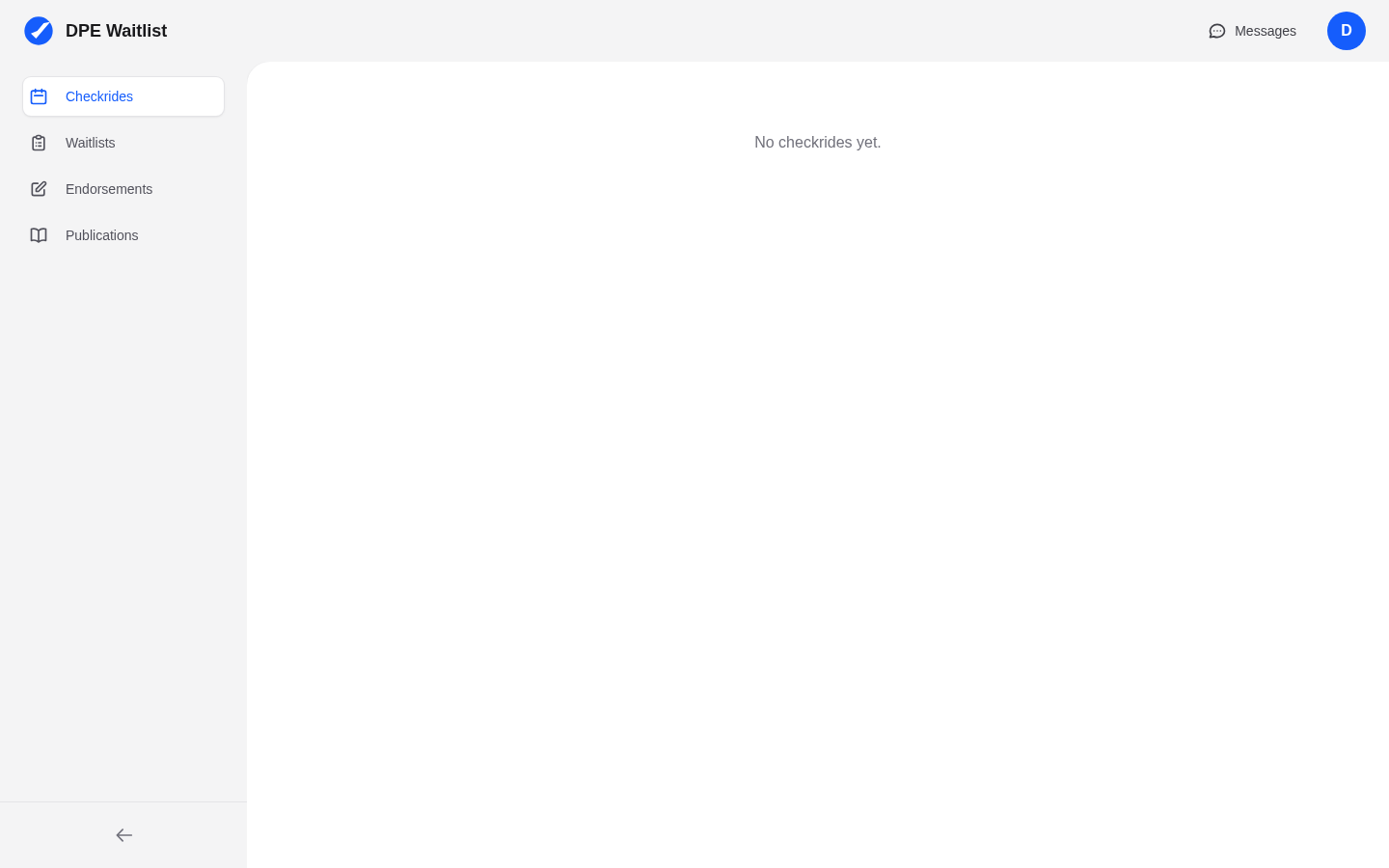
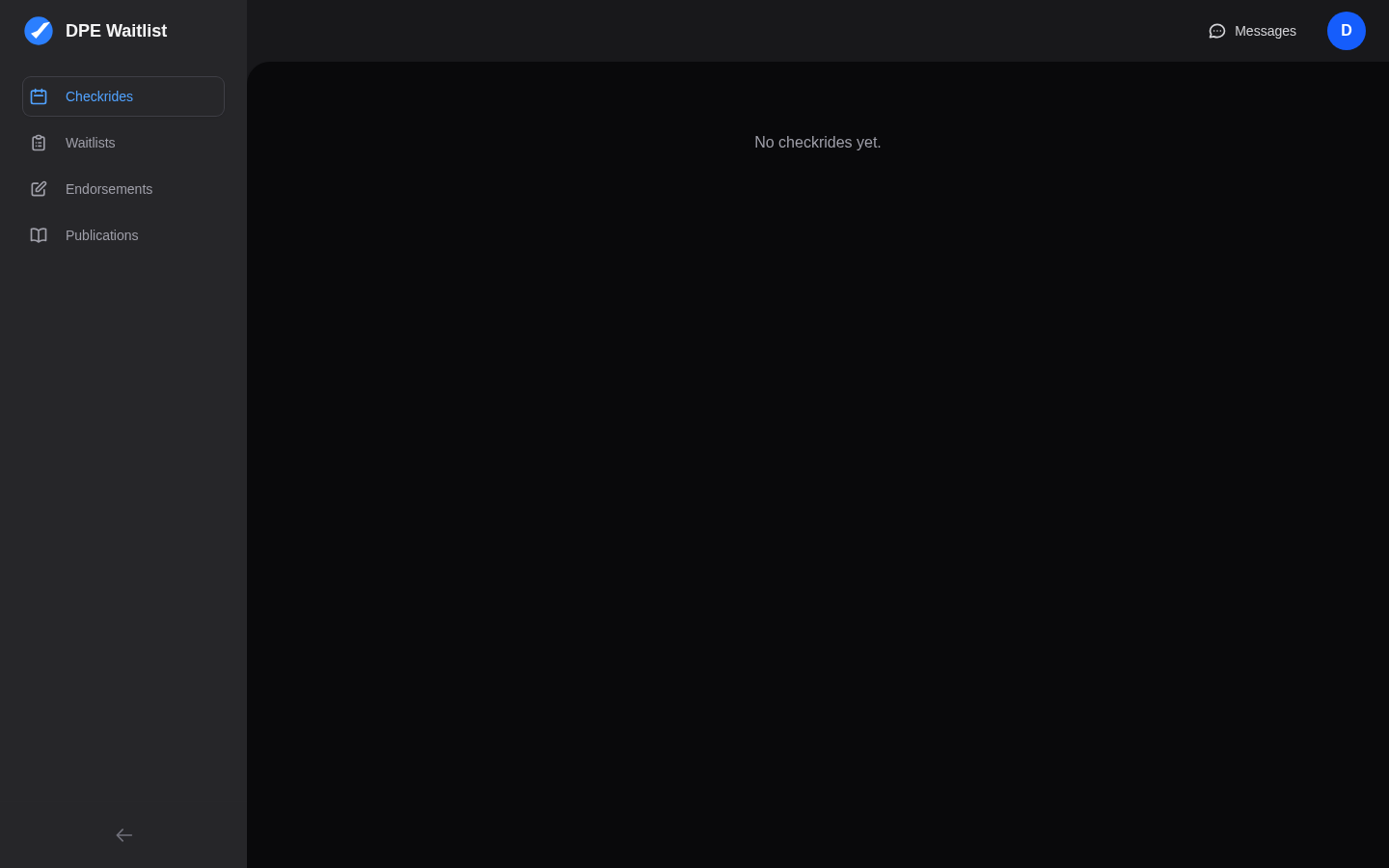
The Top Bar
The top bar runs across the top of every page. It contains the DPE Waitlist logo on the left, a messages icon with an unread badge (showing the number of unread messages) in the center-right area, and your user menu on the far right. Click the messages icon to jump directly to your conversations. Click the user menu to access account settings or log out.
The Sidebar
The sidebar on the left is your main navigation. It contains the following sections:
- Checkrides — Your upcoming and past checkrides, pending offers from DPEs, and checkride preparation materials.
- Waitlists — The DPE waitlists you have joined, organized by DPE, with the checkride types you are waiting for and any pending offers.
- Endorsements — Your authorized instructors and the endorsements they have provided for your checkrides.
- Students — Visible only if you are also a flight instructor. Shows students who have added you as their instructor, along with the checkride categories you are authorized to teach them.
- Publications — FAA regulations, advisory circulars, and other reference materials for checkride preparation.
On mobile devices, the sidebar collapses into a hamburger menu that you can open by tapping the menu icon in the top-left corner.
The Main Content Area
The large area to the right of the sidebar displays the content for whichever section you have selected. When you first log in, you will see your dashboard overview, which provides a quick summary of your active waitlists, pending offers, and upcoming checkrides.
Getting Started Prompts
If you are new to the platform and haven't joined any waitlists yet, the dashboard will show helpful prompts guiding you to find a DPE on the map and complete your profile setup. These prompts disappear once you have active waitlist entries or confirmed checkrides.
Quick Actions
From the dashboard, you can quickly:
- Click Find DPE to start searching for examiners
- View and respond to pending checkride offers
- Check your upcoming checkrides and their details
- Jump to your pre-checkride checklist for any confirmed checkride