Accessing the Checkrides Page
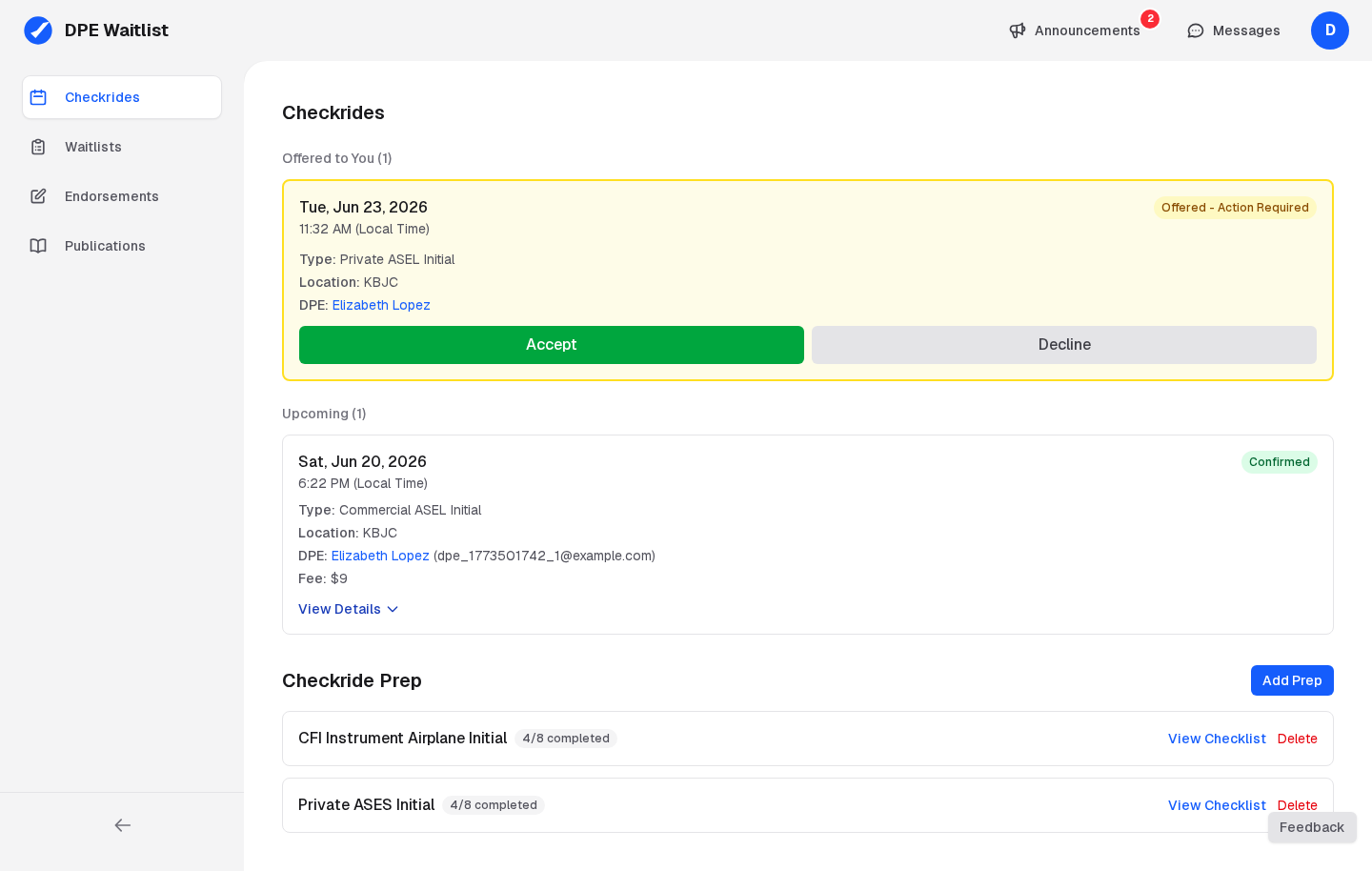
Click Checkrides in the sidebar to open the page. It is organized into three sections:
- Offered to You — Pending offers waiting for your response, shown at the top so you don't miss them.
- Upcoming & Past Checkrides — Your confirmed, completed, and cancelled checkrides.
- Checkride Prep — Pre-checkride checklists for every checkride type you are working toward but do not yet have confirmed. See Your Pre-Checkride Checklist for how preps are created.
The Checkrides List
Checkrides are sorted with the nearest upcoming checkride at the top. Each card shows the date and time, location, DPE name, checkride type, status (CONFIRMED, COMPLETE, or CANCELLED), and the total fee. Completed checkrides also show the recorded outcome.
Expanding a Card for Details
Each card is collapsed by default and expands when you click View Details. The first card in each section opens automatically when you arrive on the page, and only one card is open at a time across the Checkrides and Checkride Prep sections — opening another collapses the previous one. The expanded view is the central hub for that checkride, including:
- Complete scheduling details (date, time, location, DPE contact information)
- Location-specific instructions from the DPE (parking, meeting point, FBO)
- Checkride-type instructions (what to prepare, study, and bring)
- Your pre-checkride checklist with completion progress
- Uploaded documents and their review status, including FAA Form 8710-1 processing and signing
- Options to cancel the checkride
Visit your Checkrides page regularly in the days leading up to your checkride to make sure your checklist is complete and any uploaded documents have been reviewed by your DPE.