What Is the FAA Airman Registry?
The FAA Airman Registry is the official database of all certificated airmen in the United States. It contains records of your pilot certificates, ratings, and medical certificate status. DPE Waitlist can look up your records in this database to automatically tailor your pre-checkride checklist based on what certificates and ratings you already hold.
Why Link Your Account
Linking your Airman Registry data is optional but highly recommended. When linked, the platform can:
- Generate a pre-checkride checklist tailored specifically to your situation (for example, skipping items you've already satisfied from a previous certificate)
- Show your DPE your current certificates and ratings so they can verify your eligibility
- Help catch potential issues early, such as an expired medical certificate
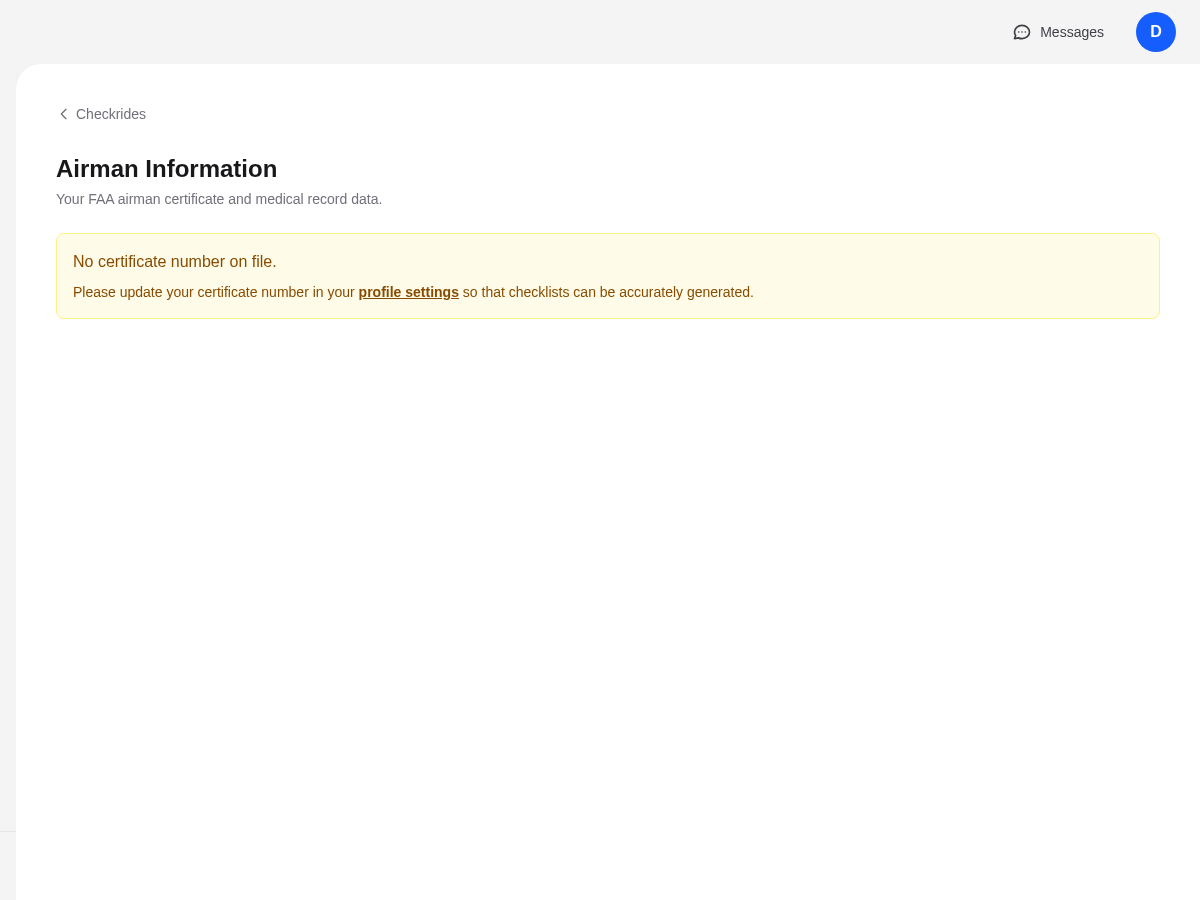
Without linking, your checklists will use default items that may include requirements you've already met.
How to Link: Entering Your Certificate Number
To link your Airman Registry data, go to Settings in the sidebar and find the Certificate Number field. Enter your FAA pilot certificate number and save. The platform will look up your records and display the results.
What Data Is Retrieved
When the lookup succeeds, the platform retrieves and displays:
- Certificates held — Student, Private, Commercial, ATP, etc.
- Ratings — Airplane Single-Engine Land, Instrument, Multi-Engine, etc.
- Medical certificate — Class (First, Second, Third) and status
Who Can See Your Certificate Data
Your certificate information is only visible to DPEs you have an active waitlist entry or confirmed checkride with. Other applicants and the general public cannot see this data.
For Student Pilots
If you are a student pilot who does not yet have an FAA certificate number, you can skip this step entirely. Your pre-checkride checklist will use default items appropriate for a first-time applicant. You can always link your certificate later if you earn additional certificates before your checkride.
Refreshing Your Data
If your certificate information changes — for example, you recently earned a new rating or renewed your medical — you can refresh your data from the settings page. Keep in mind that FAA records can take several days to several weeks to reflect recent changes, so if a newly earned certificate or rating doesn't appear right away, check back later.
Troubleshooting
If the lookup fails, check the following:
- Certificate number typo — Double-check that the number you entered exactly matches the number on your pilot certificate.
- FAA system availability — The FAA's database is occasionally unavailable for maintenance. Try again later.
- New certificate not yet in the system — If you very recently received your certificate, the FAA may not have updated their records yet.