What Is the Pre-Checkride Checklist?
The pre-checkride checklist is a comprehensive list of everything you need to have ready before your checkride day. It covers regulatory requirements (medical certificate, knowledge test results, endorsements) and administrative items (IACRA application, photo ID). Arriving without the required documents or eligibility can result in a discontinuance before the checkride even starts -- the checklist helps you catch these issues well in advance.
Your checklist is accessible from the checkride detail view. Open a confirmed checkride from the Checkrides page to see all items and their completion status.
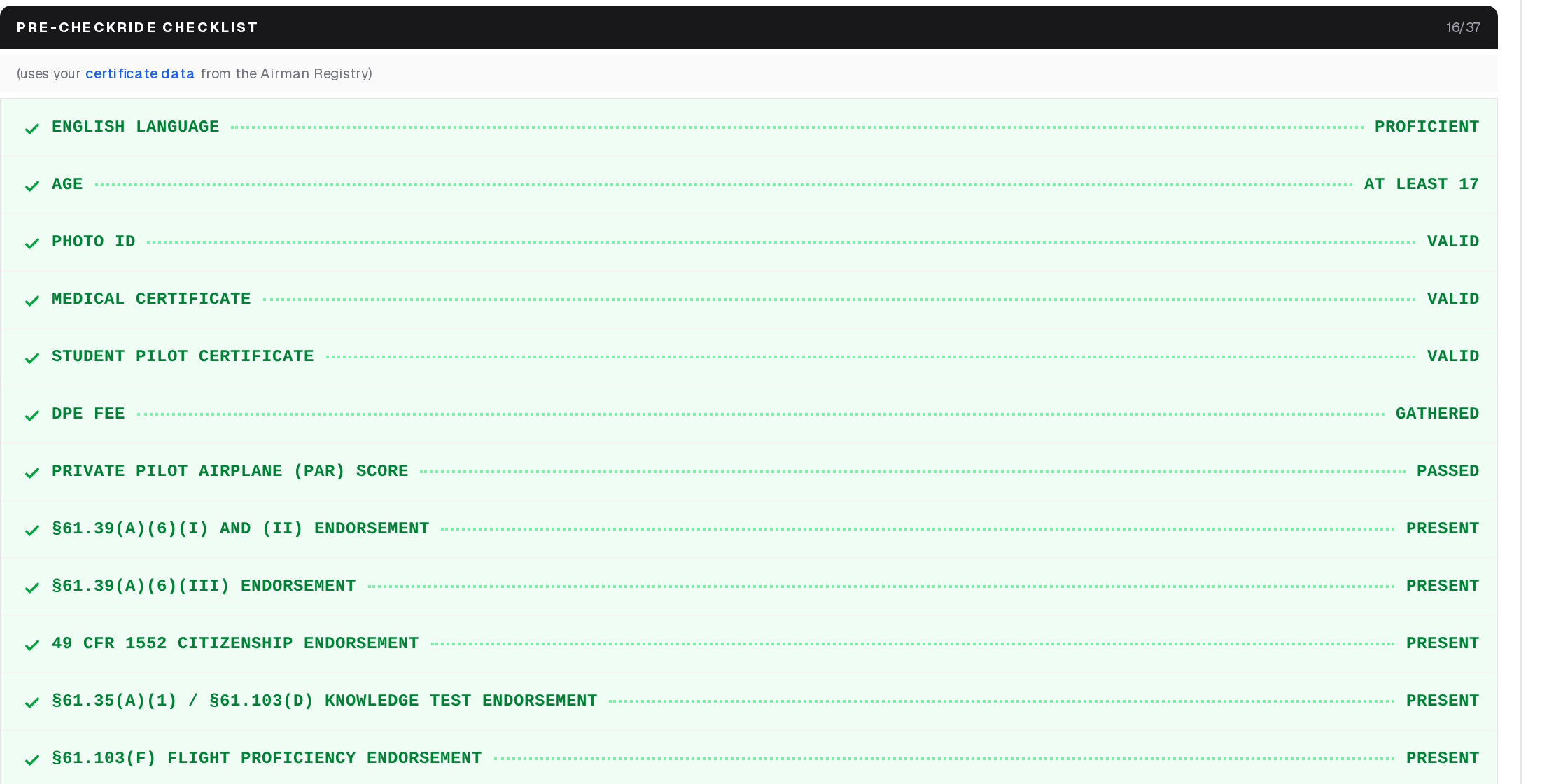
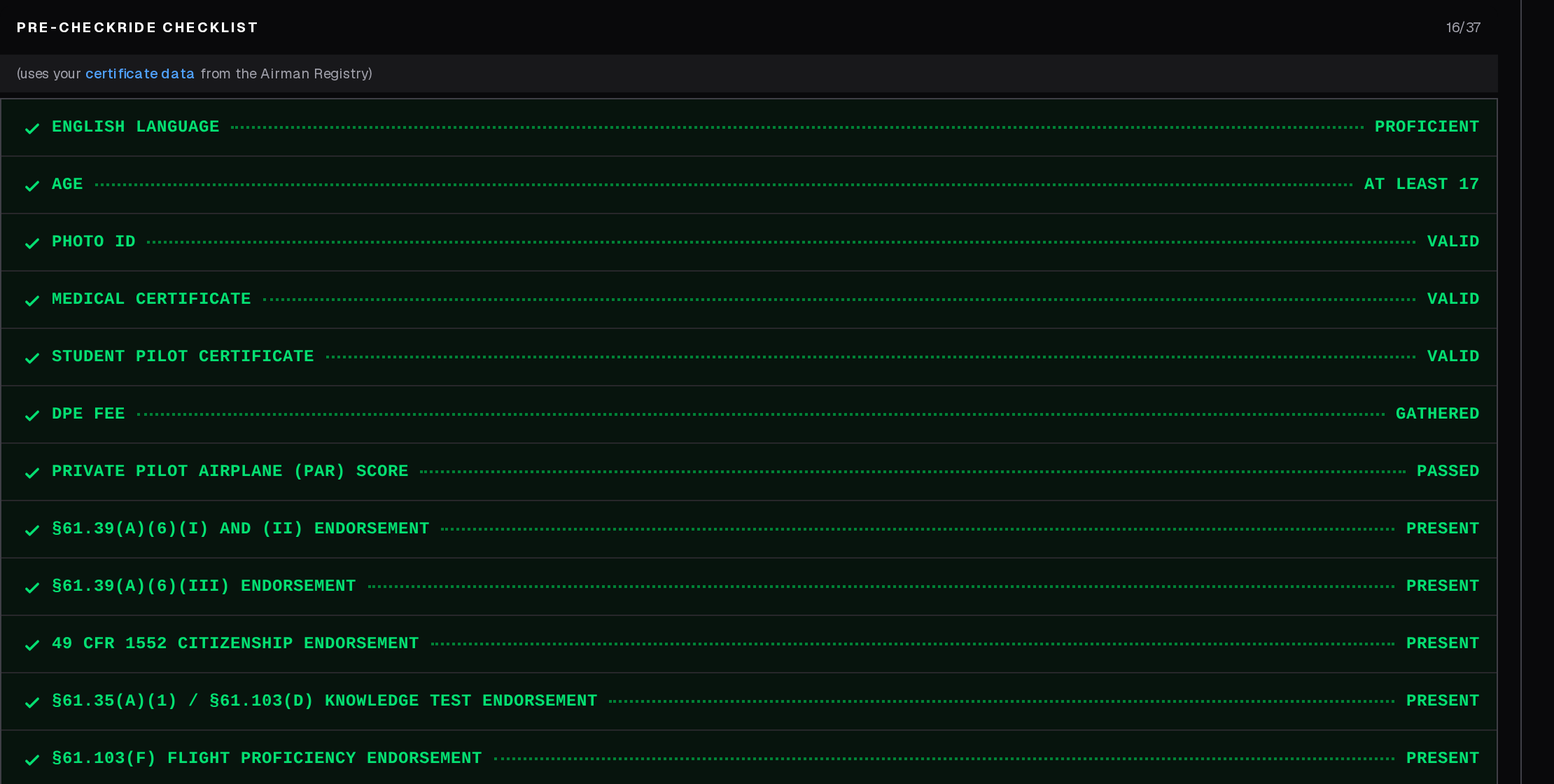
How Checklist Items Are Generated
The checklist is automatically generated and tailored to your situation. The platform considers your checkride type (Private, Instrument, Commercial, CFI, ATP, etc.) and, if you have linked your FAA Airman Registry account, your existing certificates and ratings. This means the checklist only includes items relevant to you -- if you already hold a certificate that satisfies a requirement, that item may be pre-checked or omitted.
Add-on Ratings: Category or Class
On a private or commercial Add-on checkride in an airplane or helicopter, the checklist asks one question first, on the Add-On Rating Basis item: does this checkride add a class to a category you already hold, or a whole new category?
- Class add-on (14 CFR 61.63(c)) — for example, multiengine land added to a single-engine land airplane rating. There are no minimum training times and no knowledge test.
- Category add-on (14 CFR 61.63(b)) — for example, an airplane rating added to a glider-only certificate. You must meet the full aeronautical experience for the rating, and pass the knowledge test unless you already hold an airplane, rotorcraft, powered-lift, weight-shift-control, powered parachute or airship rating at that level. A glider or balloon rating does not excuse it.
If you have linked your FAA Airman Registry account, the answer is filled in from your ratings, and you can change it. Your answer decides which aeronautical experience items and endorsements the checklist shows. A glider add-on is always a category add-on, so it does not ask.
Types of Checklist Items
- IACRA Application — Confirm you have submitted your IACRA application and provide your FTN. Work with your instructor to complete it if you have not started — your instructor must sign it electronically before the DPE can process it. You can also upload a PDF copy of your FAA Form 8710-1 as a backup; the platform reads your information out of the form, auto-checks the IACRA items as it detects the upload and your instructor's signature, and lets all three parties sign the form digitally. See Uploading Your 8710-1 from IACRA and Signing Your FAA Form 8710-1.
- Photo ID — Confirm you have a valid, government-issued photo ID (driver's license, passport, military ID). Make sure it is not expired.
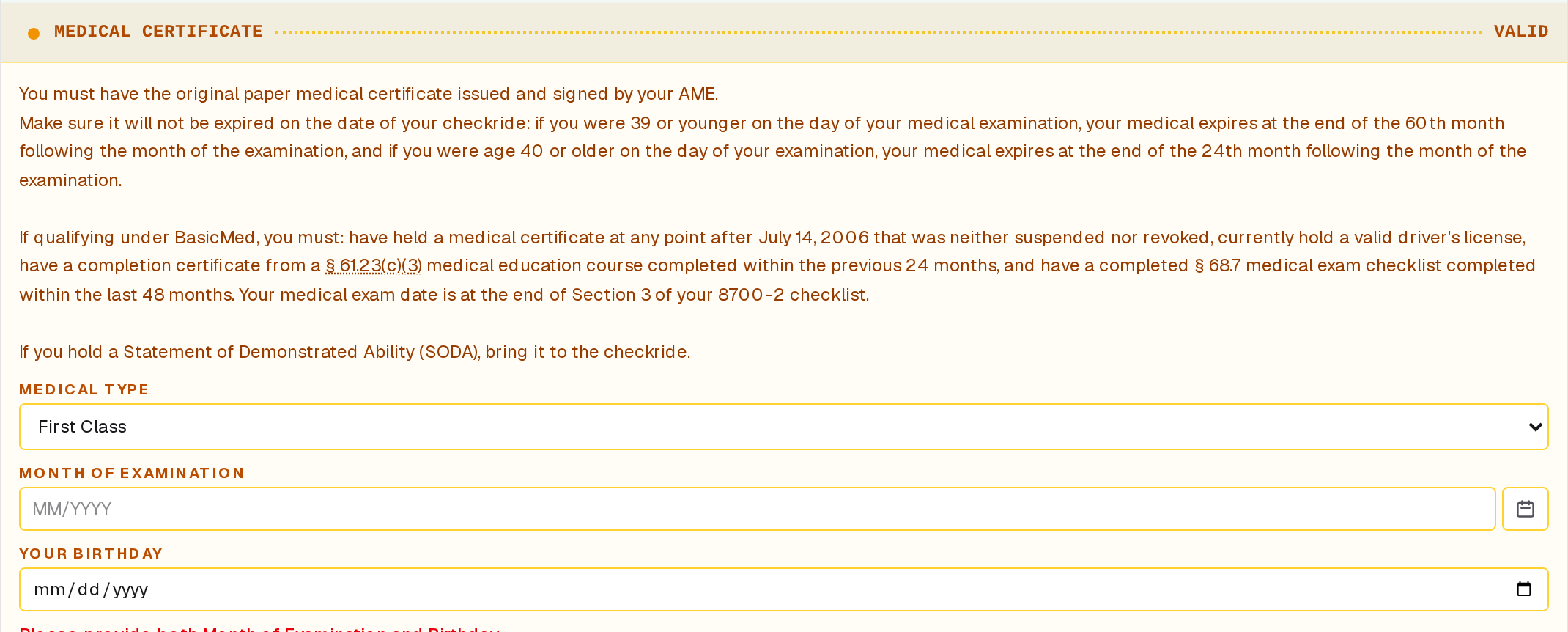
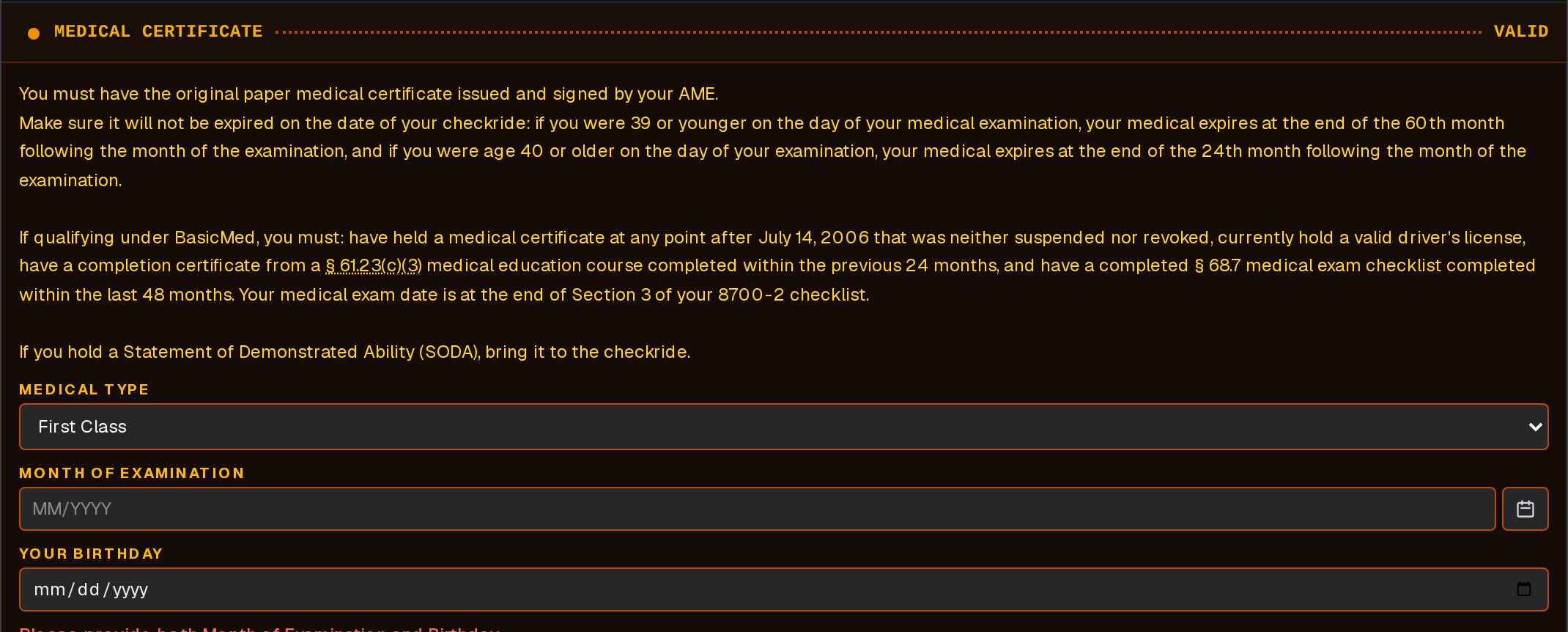
- Medical Certificate — Verify your medical is current and the correct class for your certificate level (e.g., Third-Class or BasicMed for Private). Check the expiration date -- medical validity depends on class and age. If it will expire before your checkride, schedule a new exam promptly.
- Endorsements — Confirm all required flight instructor endorsements are in your logbook. The specific endorsements depend on your checkride type. Review 14 CFR 61.39 and the relevant sections for your certificate level.
- Knowledge Test — Verify you have passed the applicable FAA knowledge test and results have not expired (valid for 24 calendar months, or 60 for the ATP multiengine test). Plan accordingly if results are close to expiring. Upload your knowledge test report and your score and exam date are filled in for you; see Uploading Your Knowledge Test Report.
- Aircraft Airworthiness — Confirm the aircraft you plan to use has a current annual inspection, current registration, and meets all regulatory requirements. Your instructor can help verify this.
- Fees — Acknowledge the DPE's fee and confirm your payment arrangement. Message your DPE if unsure about accepted payment methods.
How to Complete Items
Checklist items use different completion methods:
- Self-attestation — You check off the item to confirm you have met the requirement (e.g., IACRA submitted, fees acknowledged, aircraft airworthiness).
- Answering a question — Some items ask you to choose what applies to you or to enter a detail, such as your medical certificate's exam date and class, or your knowledge test score.
- Automatic verification — Some items are verified automatically through the FAA Airman Registry (e.g., prerequisite certificates and ratings), your instructor's endorsements, or your 8710-1.
Uploading Required Documents
Documents go in the documents section of your checkride, below the checklist: click Attach Document, choose the file (on a phone you can take a photo), and pick its type. Uploading an 8710-1 checks the IACRA items for you, and uploading your knowledge test report fills in your score.
For more detail on document management, see the Uploading and Managing Documents article.


Information the Checklist Remembers
A few items ask for information you only need to enter once. When you enter your birthday on an age- or medical-related item, the platform saves it to your profile and prefills it into the same items on any future checklist. If you ever need to correct it, update the value on the current checklist and it will replace the saved version.
Certificate Verification via FAA Airman Registry
If you have linked your FAA Airman Registry account (by entering your certificate number in your Profile), the platform retrieves your certificate data -- certificate types, ratings, and medical certificate status. This data is used to tailor your checklist and automatically verify prerequisites.
If your data looks wrong, verify the certificate number in your profile settings. A typo will pull up incorrect records. If recently earned certificates do not appear, the FAA database may take days to weeks to update -- wait and refresh. Student pilots without an FAA certificate number will have an empty certificate section, which is normal; default checklist items for first-time applicants will be used.
The Packing Checklist
The packing checklist is separate from the pre-checkride readiness checklist. While the readiness checklist covers documents and eligibility, the packing checklist is a day-of list of physical items to bring. It appears above your pre-checkride checklist once you have checked every item on that and confirmed it complete.
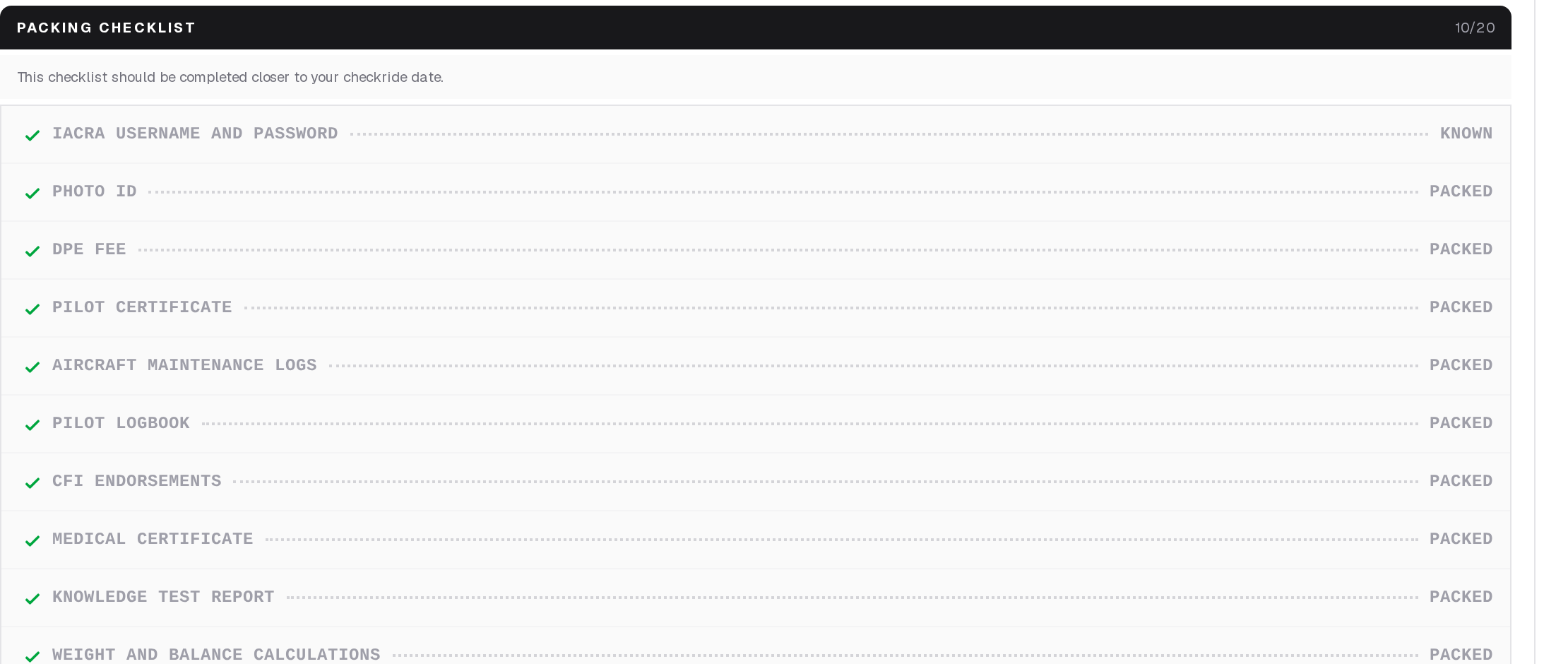
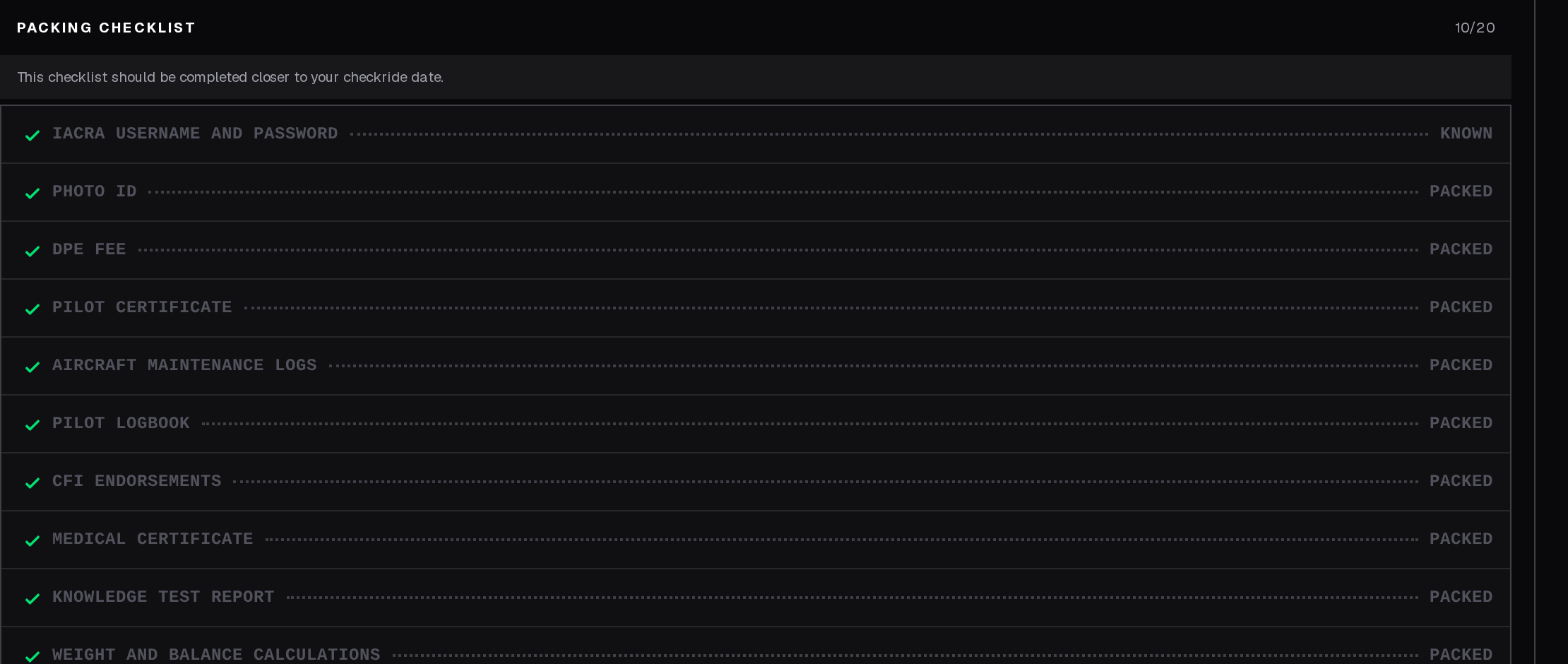
It always has your IACRA username and password, photo ID and the DPE's fee. For a practical test it adds your pilot certificate, logbook, the aircraft's maintenance logs, and weight and balance and performance calculations; then the documents your checklist called for, such as endorsements, medical certificate and knowledge test report; and for some types a view-limiting device, or an updated GPS database, VOR check and approach plates.
The night before or morning of your checkride, go through the packing checklist and check off each item. Forgetting a required item could result in a discontinuance.
How Your DPE Sees Your Progress
Your DPE can see your checklist progress in real time, including which items are complete and incomplete, as well as the dates and details entered into any checklist items. Keep your checklist up to date -- a well-prepared applicant makes for a smoother checkride for everyone.