What Is a Checkride Offer?
A checkride offer is a proposed date, time, and location for your checkride. Offers are generated automatically by the platform's scheduling system or created manually by the DPE. An offer is not yet confirmed — it is an invitation for you to review and respond to.
How You Are Notified
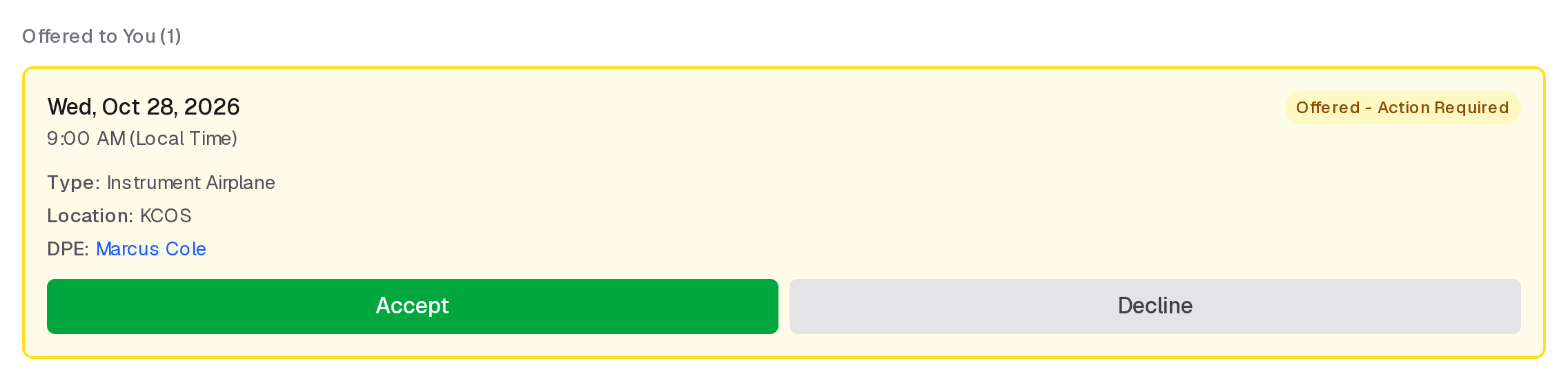
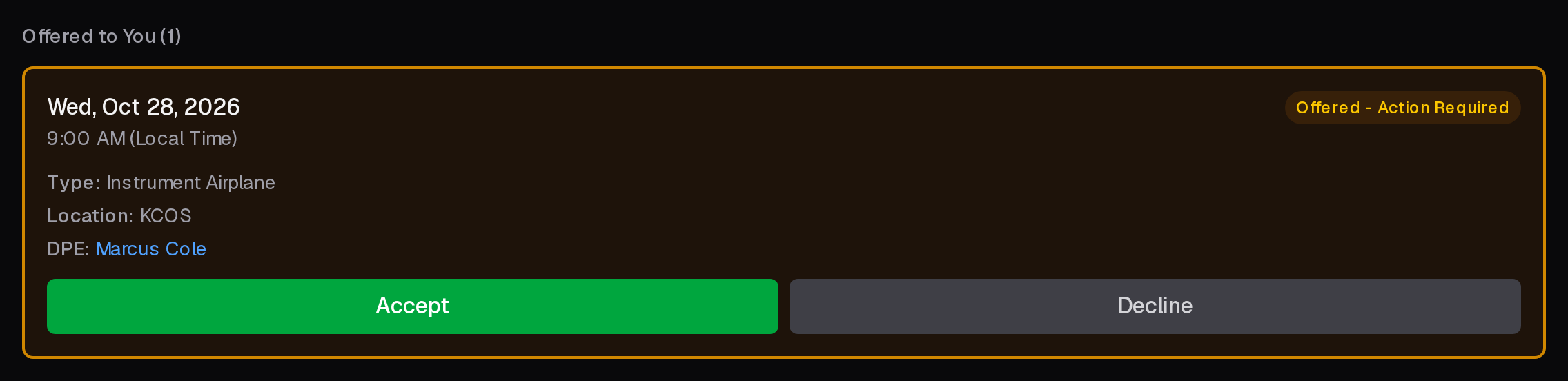
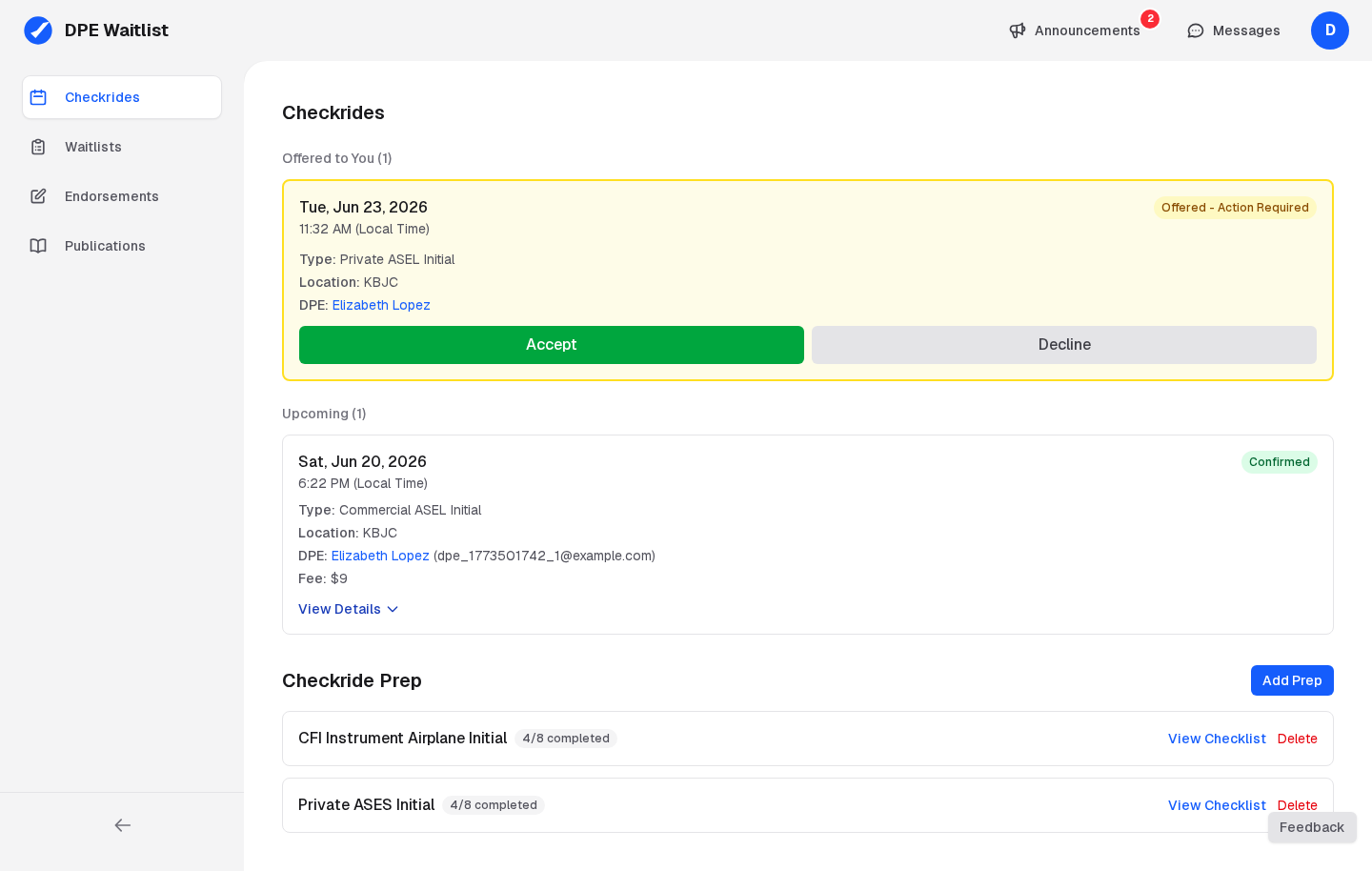
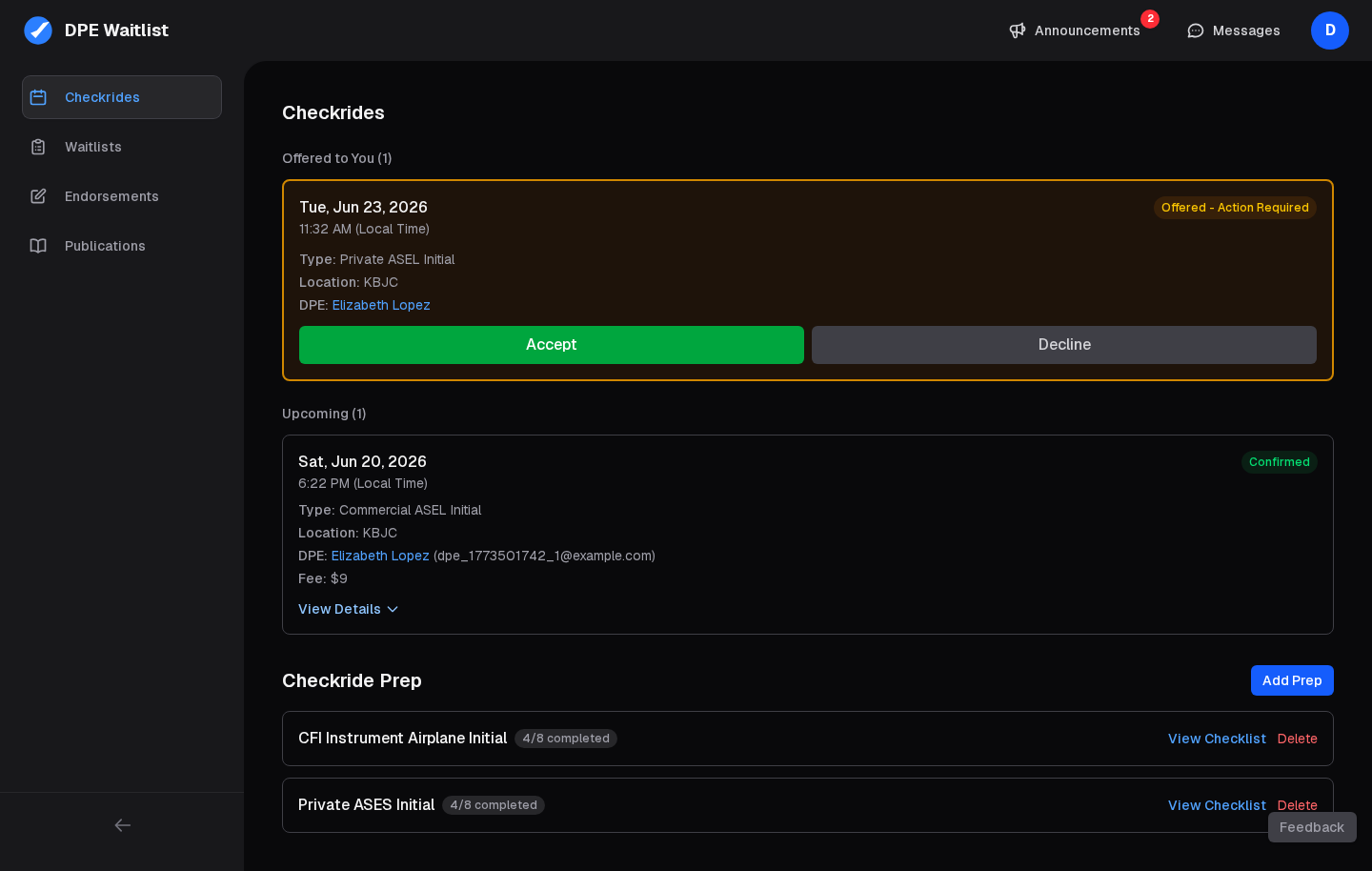
When an offer is sent, it appears on your dashboard, with a message in your conversation with the DPE, and (if you have turned texts on) a text.
What the Offer Contains
Each offer includes the following details:
- Date and time — The proposed start time for the checkride
- Location — The airport or facility, including any location-specific instructions
- Checkride type — The certificate and category/class being tested
- Fees — The total fee, broken down into the base checkride fee plus any travel fee for the selected location
Accepting an Offer
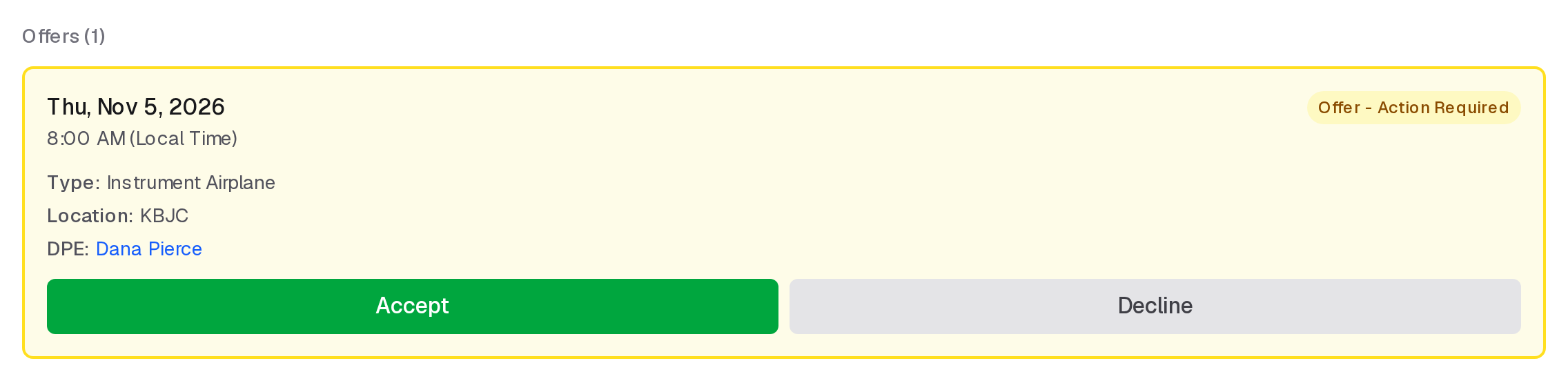
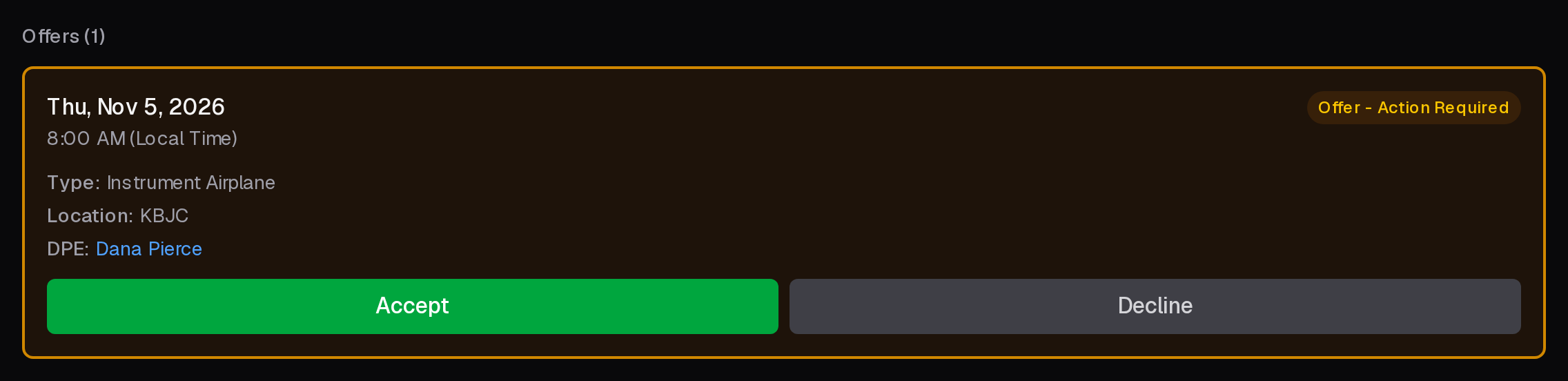
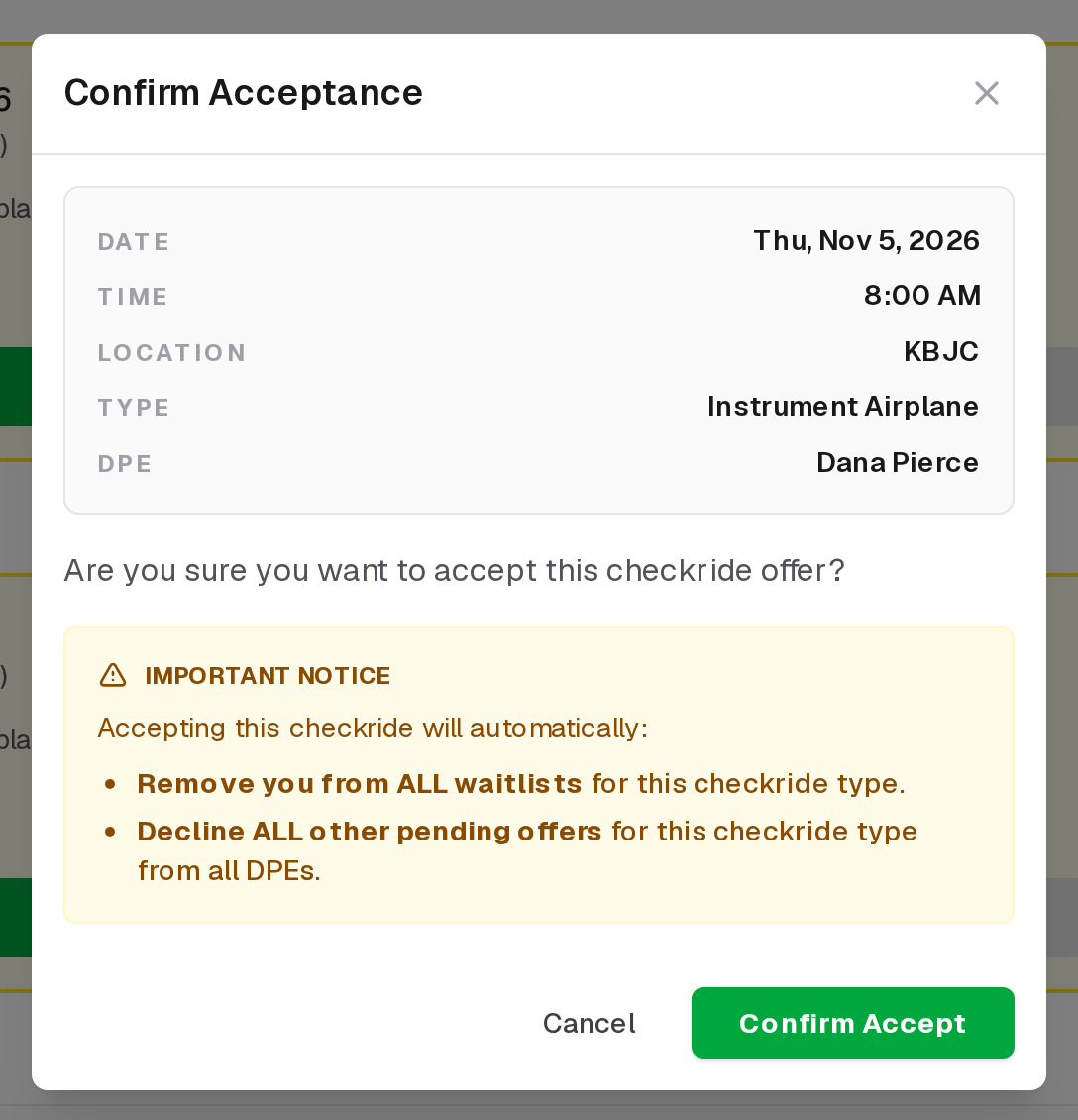
If the offer works for you, click the Accept button and confirm your acceptance. The checkride moves to CONFIRMED status and appears on both your Checkrides page and the DPE's calendar. Your pre-checkride checklist is generated or updated at this point, giving you a clear list of items to complete before checkride day.
Declining an Offer
If the offer does not work, click the Decline button and confirm your decision. Declining does not remove you from the waitlist — you remain eligible for future offers from the same DPE. The declined slot is released and may be offered to the next eligible applicant.
After Declining
Keep in mind that frequent declines may signal to the automatic scheduler that your availability preferences are not well matched with the DPE's available slots. If you find yourself declining repeatedly, consider updating your waitlist preferences (location, availability) so the scheduler can make better matches.
Respond Promptly
An offer has no deadline, but after a while the same time may also be offered to someone else, and whoever accepts first gets it. Respond as promptly as you can; even a quick decline helps the DPE and other applicants.
Expired Offers
Some DPEs offer dates to their waitlist for a while before opening them for anyone to book. An offer like that expires when its date opens. It then shows under Expired offers with its checkride type, saying when, for example "Expired Oct 10, 1500Z, when this time opened for booking." Any offer also expires once its checkride is too soon to accept: less than a day away. While that DPE has open slots of the type you could book, on any date, Checkride Slots Available opens their profile with your checkride type chosen so you can review and book them. Once you have a checkride booked, any expired offers of that type are no longer listed.
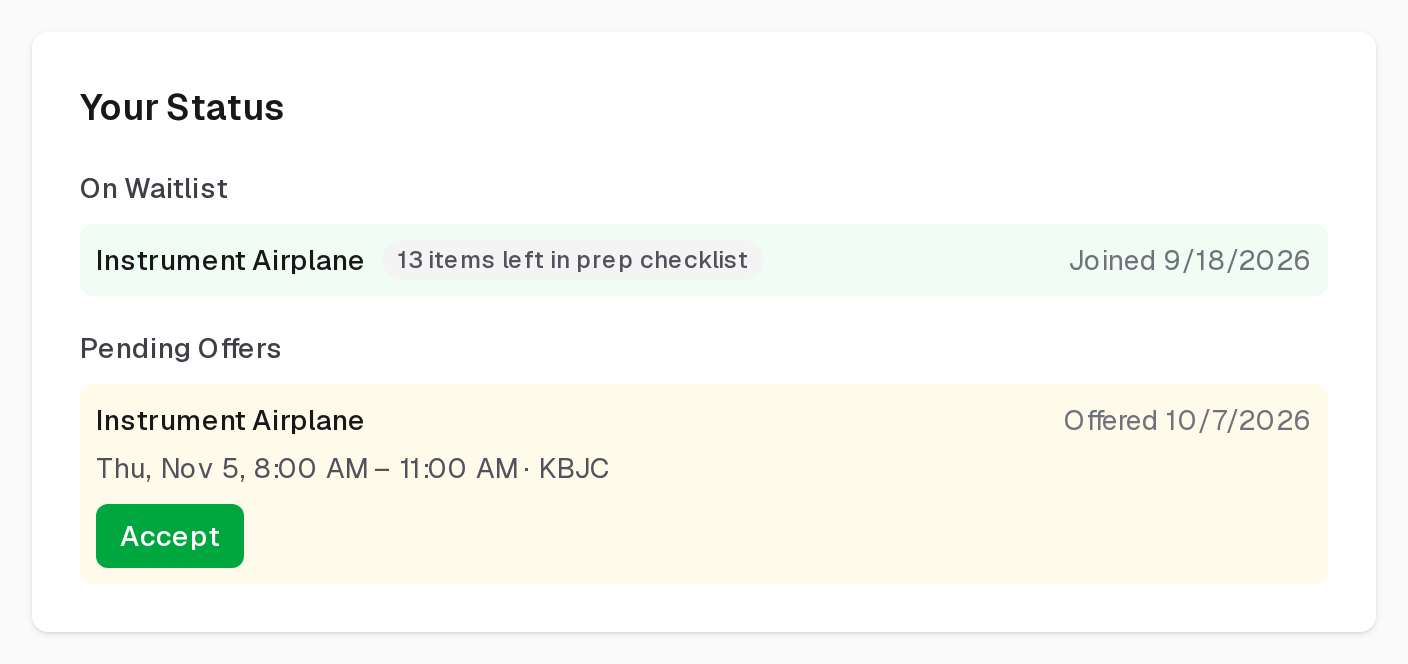
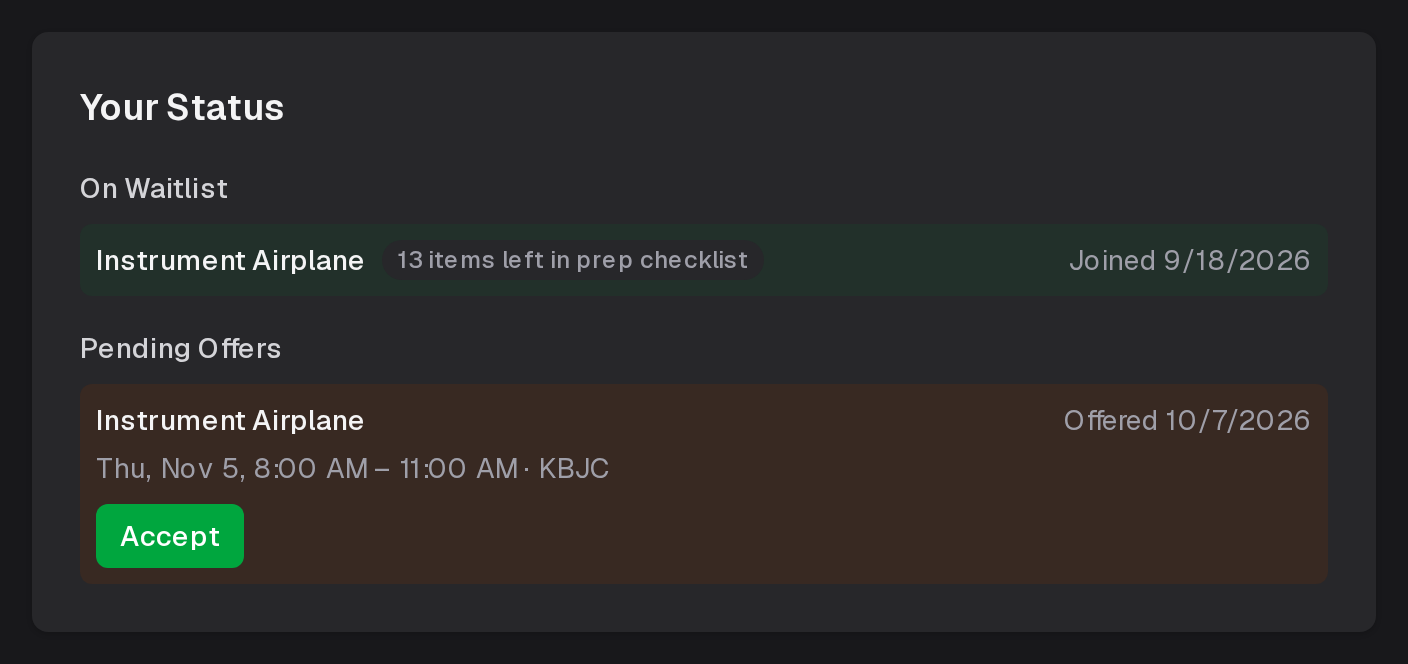
You can also accept an offer from the DPE's profile: under Your Status, each pending offer has an Accept button that asks and does the same as the one here.