Booking Directly
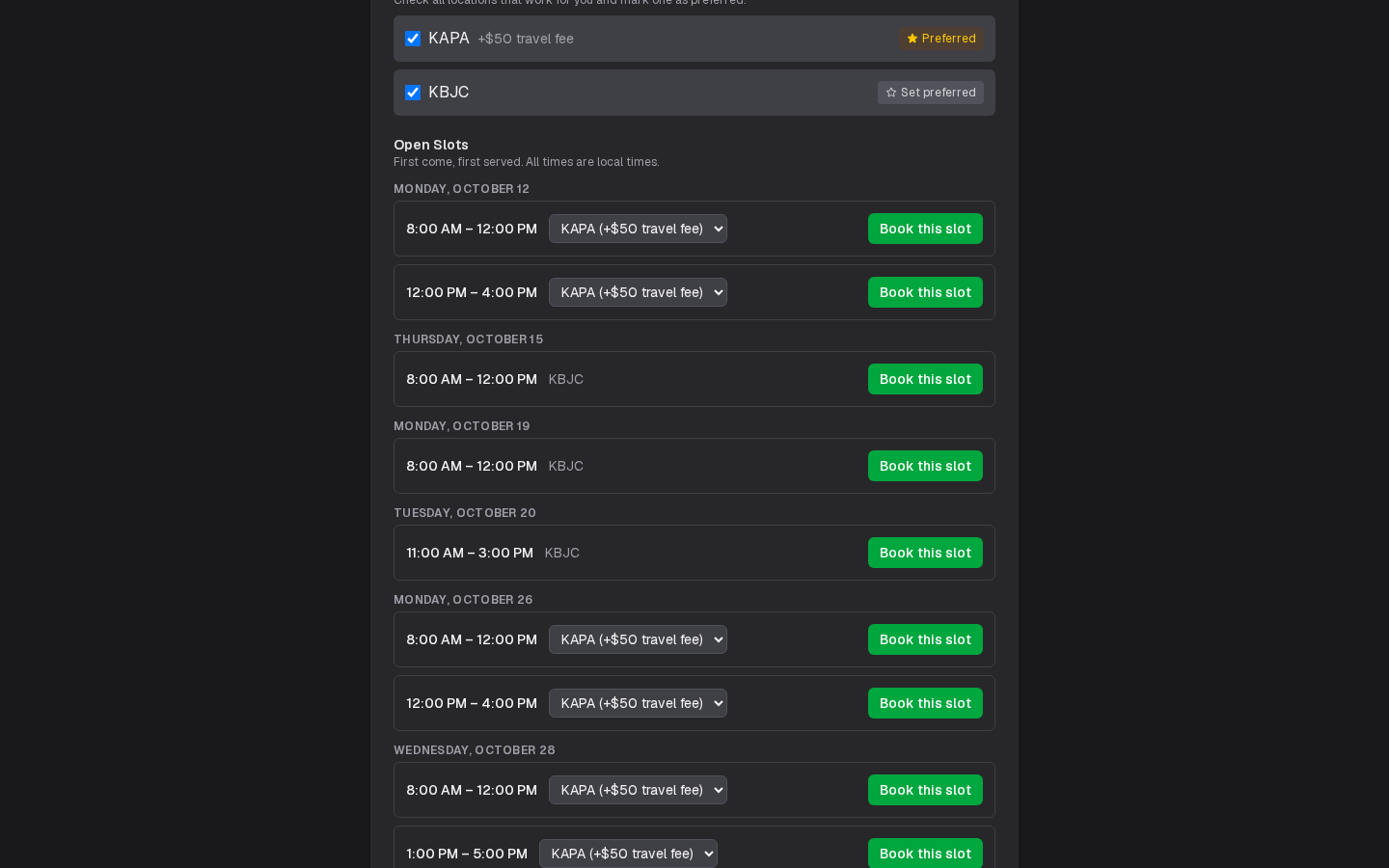
Some DPEs let applicants book their open time themselves. On their profile, choose your checkride (certificate, aircraft, level and attempt) and the locations you can go to, and under Open Slots you see every time you can book, by day, in local time at the checkride location, with each location's travel fee.
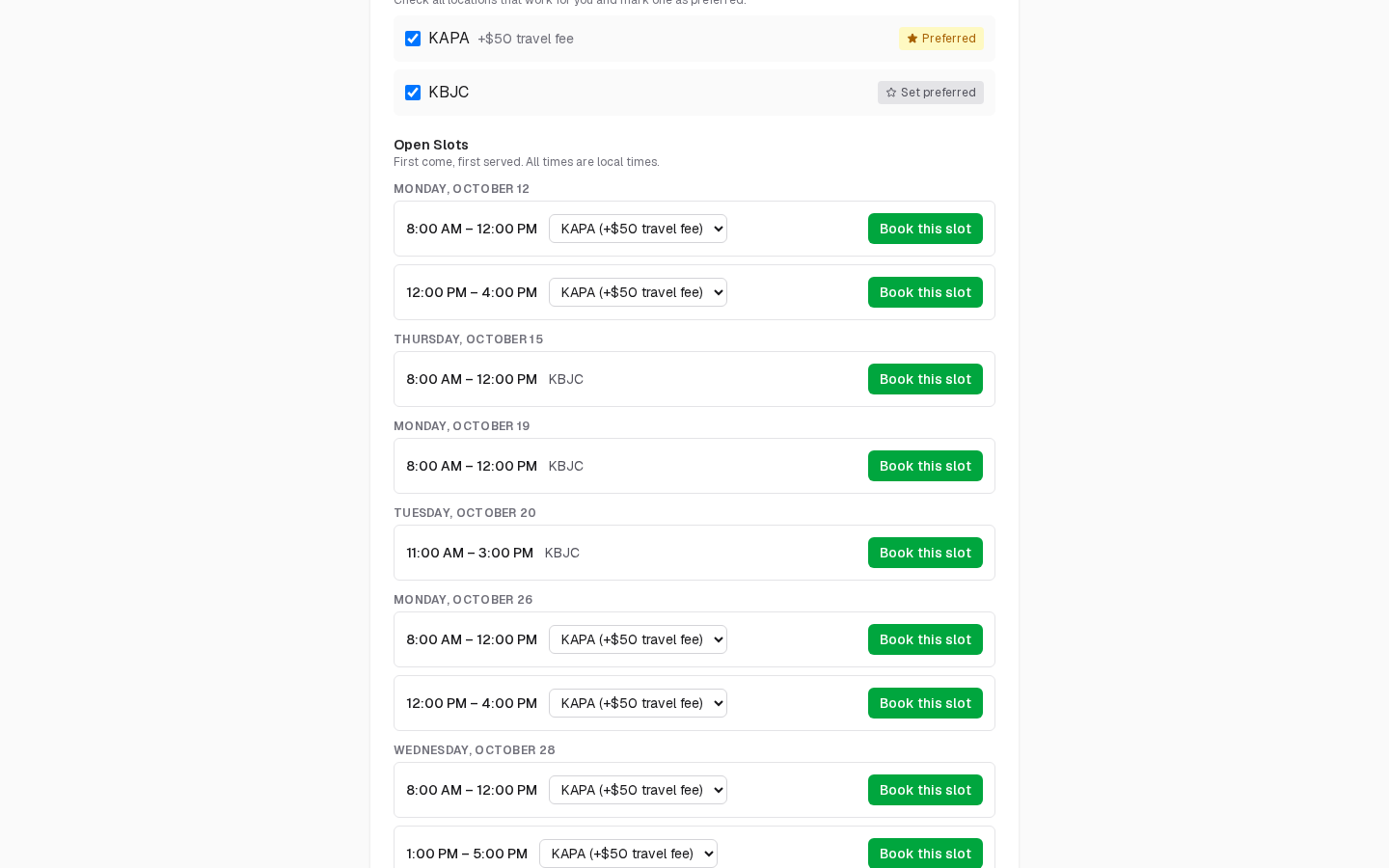
Click Book this slot, check the day, time, location and fee, and confirm. The checkride is booked straight away, first come, first served. The dialog also lists what happens when you book a checkride: this takes you off all your waitlists for that checkride type and declines any other pending offers for it, and cancelling later won't bring them back.
If someone books the time just before you, the dialog says so ("Someone else just booked this time…") instead of booking it, and the list behind it updates with what is still open.
If you already have a checkride of the type you chose with this DPE, the profile says so, with its date, and lists nothing more. If you are on their waitlist for it, the profile says since when, and lists any open slots of that type you can still book.
When Times Open
Some DPEs open dates for self-serve booking on a release schedule, for example a month ahead on the 10th at 1500Z (Zulu time). The profile counts down to the next release, also in your own time, and offers Add to calendar: in place of the list when nothing is open, and beneath it when something is. You don't need to reload: the list updates by itself when the release happens.
Once you choose a checkride type, the countdown is to the next release that opens slots of that type at the locations you chose, which may be a later release than the next one ("Next release with Private ASEL Initial slots: …"). If no release in the month ahead opens any for you, the profile says when slots next open but that none are for your checkride type.
A DPE may give applicants on their waitlist a head start, offering dates to them before they open to everyone. A DPE may also let only applicants on their waitlist book; their profile then asks you to join first.
On Your Waitlists
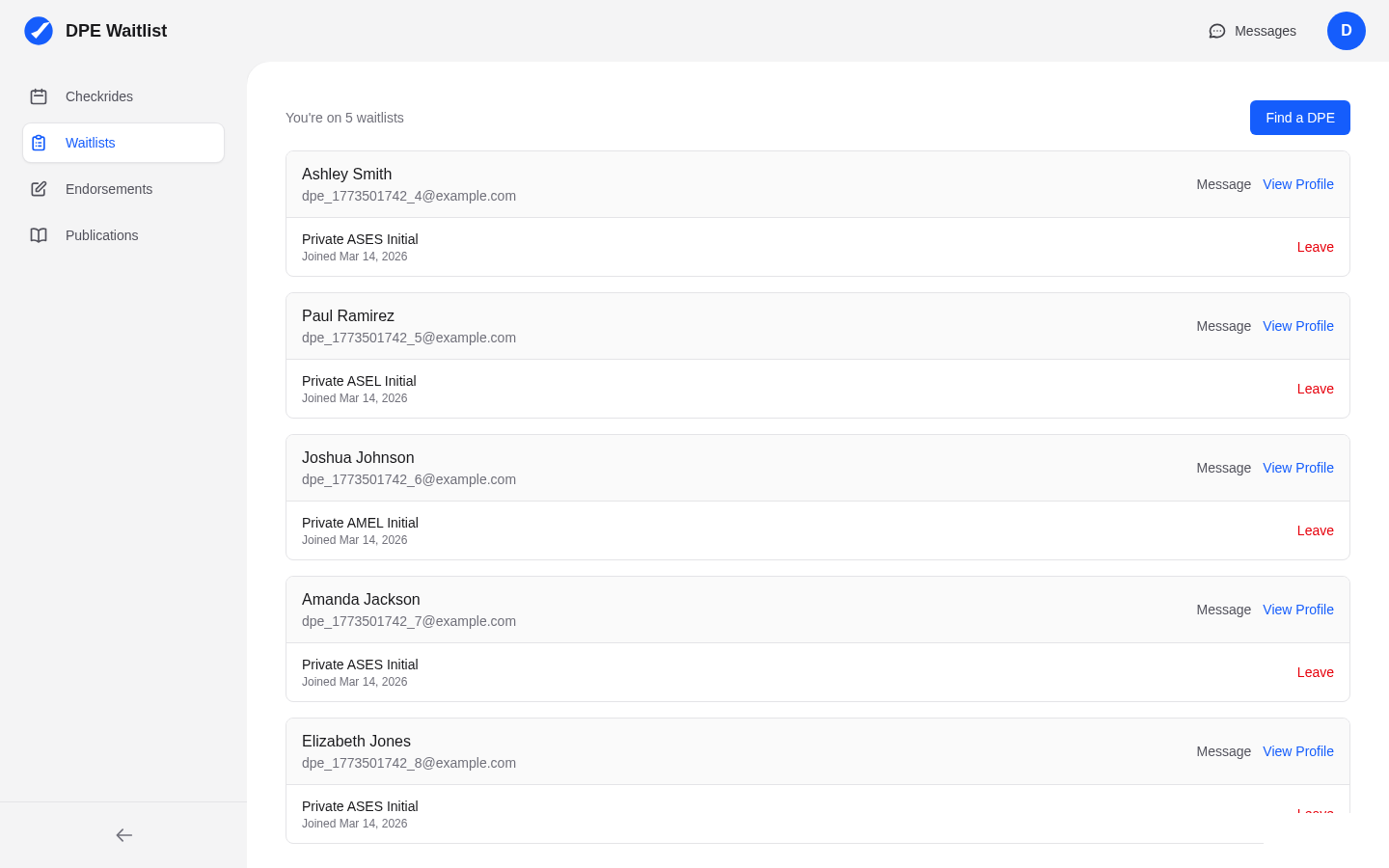
On My Waitlists, each waitlist says how many open slots you could book with that DPE now, for its checkride type at the locations you chose. The link opens the DPE's profile page with your choices filled in. When no slots are available, it counts down to the next release that opens slots for your checkride type at your locations, or says when slots next open but that none are for your type. Edit locations on the waitlist changes which locations you're willing to accept.