Viewing a DPE's Profile
Search for a DPE by name with Find a DPE on your Waitlists page and choose them, or select them on the DPE map and click View Full Profile, to open their profile. This page provides information about the DPE to help you determine whether to join that DPE's waitlist. You can also visit a DPE's profile directly using their custom profile URL if they have shared it with you.
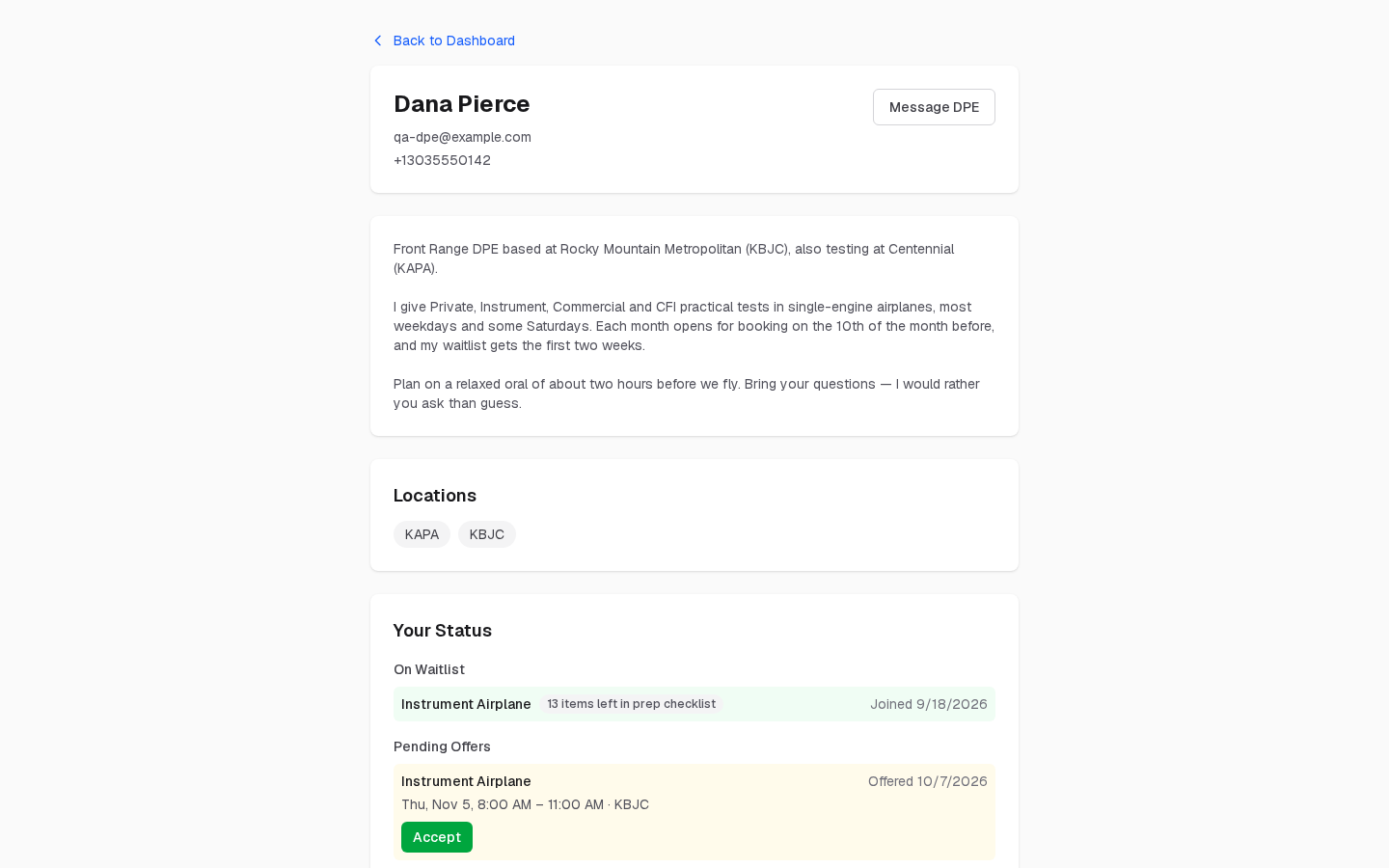
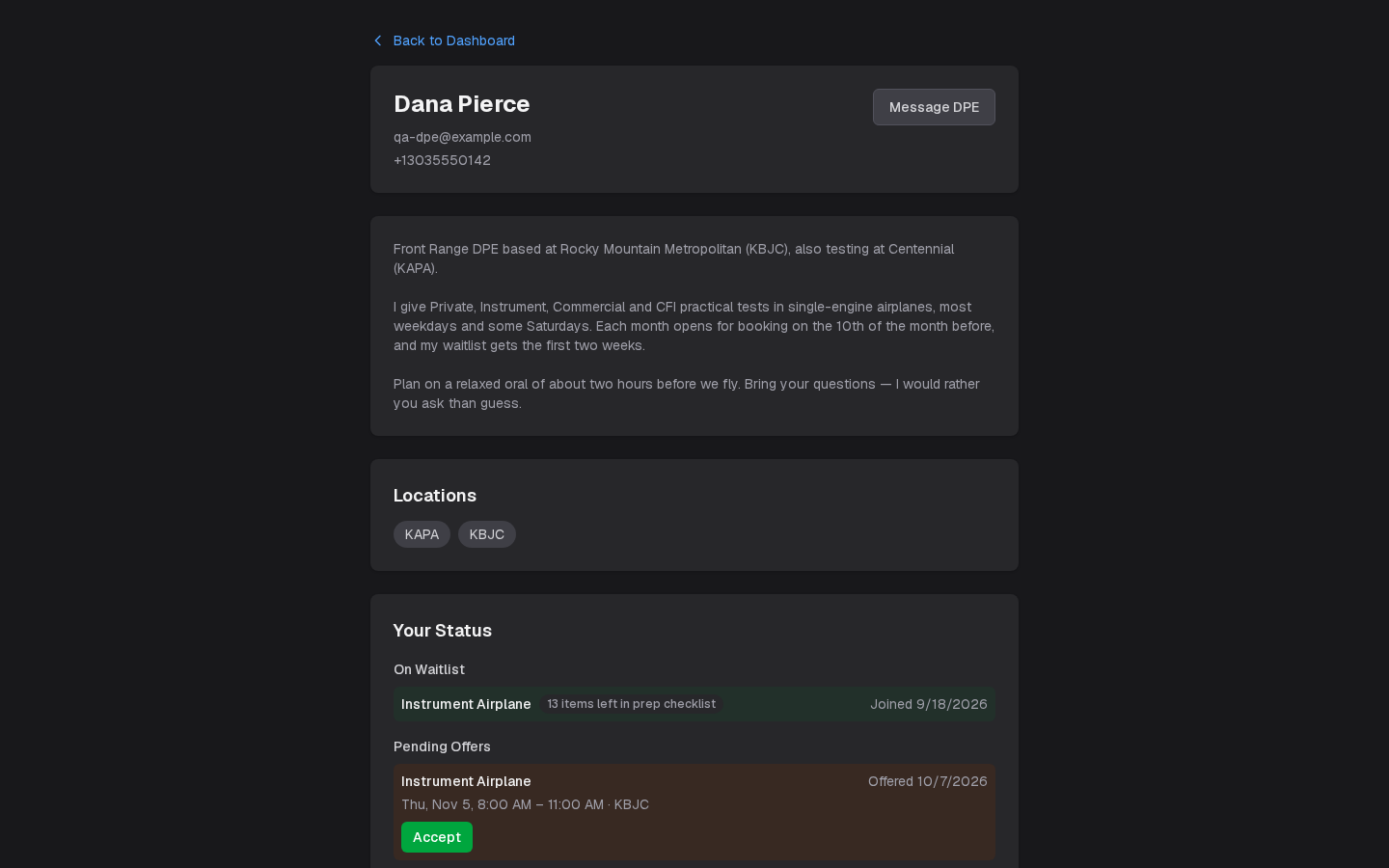
Information Shown for Registered DPEs
Registered DPEs (those who have an account on the platform) display a rich profile that includes:
- Name and contact details — The DPE's display name, email and phone, with Message DPE
- Bio — A description written by the DPE, often including their background, approach to checkrides, and what to expect
- Testing locations — The airports or facilities where they conduct checkrides
- Checkride types offered — Choose your certificate, then the category and class, initial or add-on, and first attempt or retest, from the checkride types they offer
- Base fee — The fee for the checkride you chose
- Travel fees — Any additional charge for each location, beside it in the list of locations to choose from
Registered DPE profiles include a Join Waitlist button so you can sign up directly.
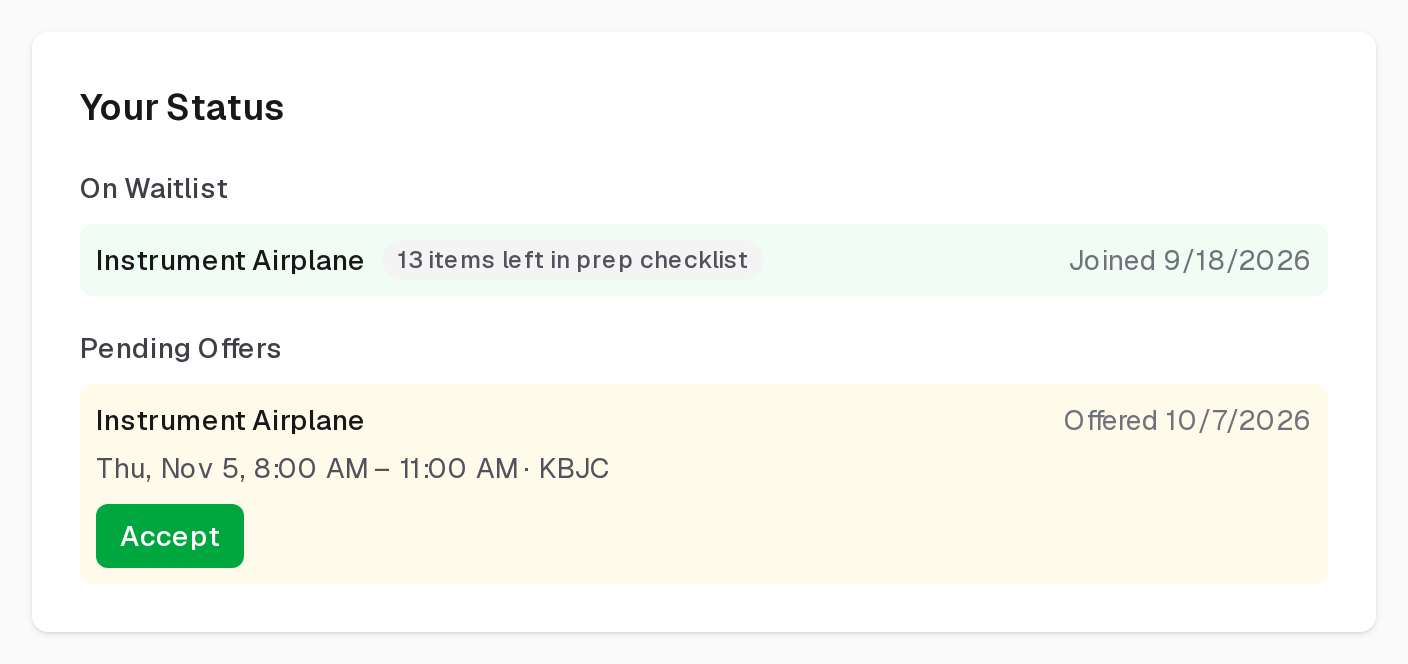
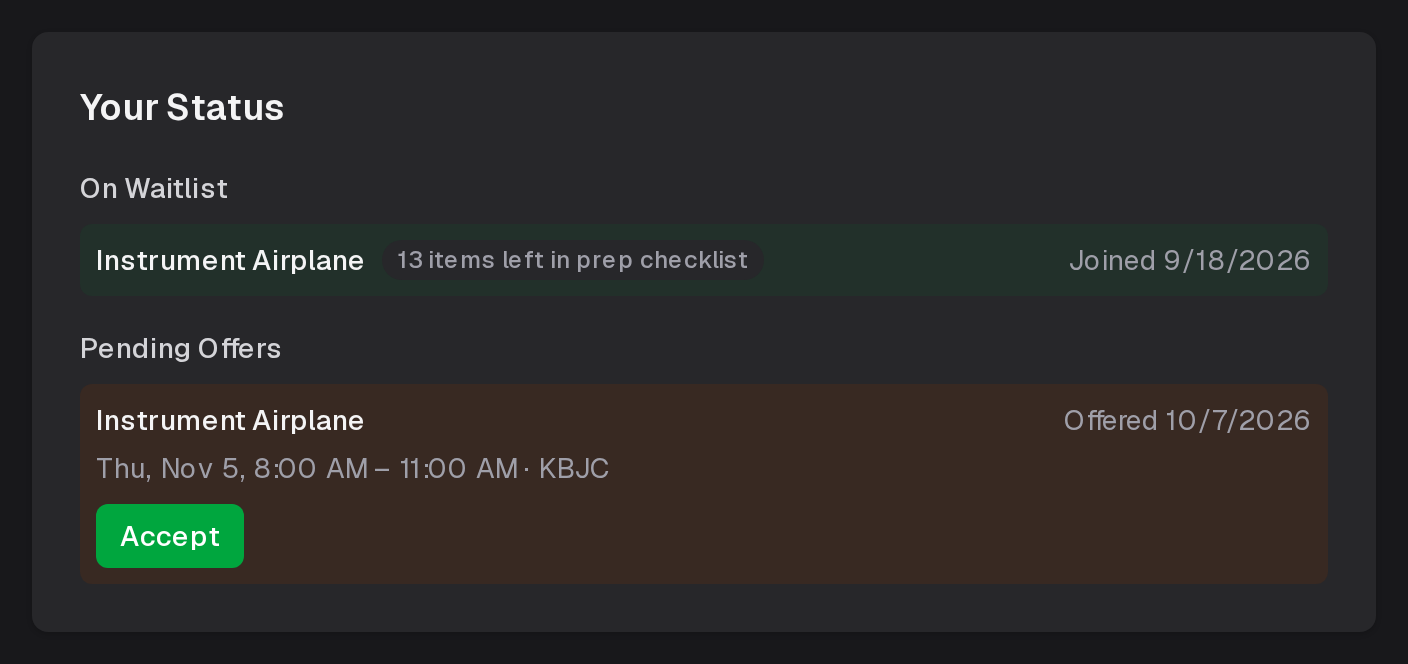
When you're signed in, Your Status on the profile shows where you stand with that DPE: the waitlists you're on, each with how much of your prep checklist is left; offers waiting for your answer, each with an Accept button; and your checkrides booked with them.
Information Shown for FAA Directory Listings
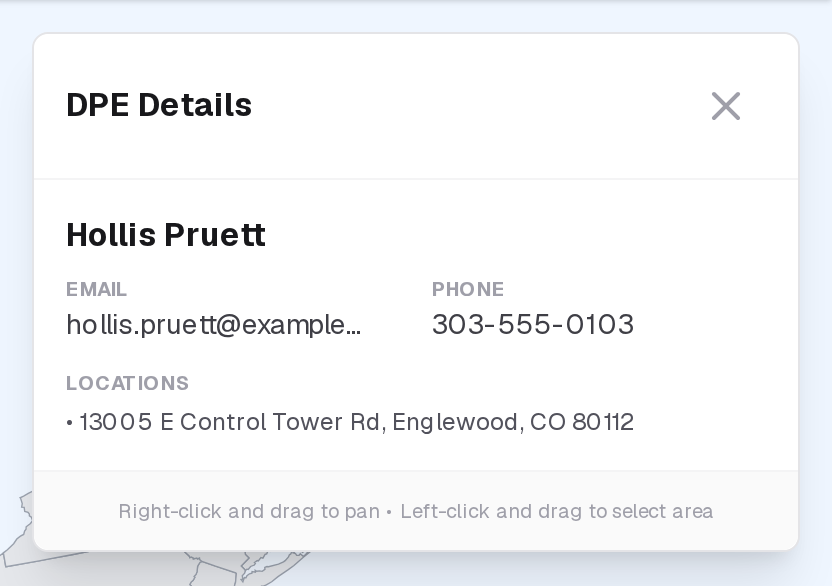
DPEs who appear from the FAA directory but have not registered on the platform show only basic information from FAA records: name, contact information (phone, email, address), and the checkride types they are authorized for (shown as function codes). These listings do not have bios, detailed fee information, or waitlists. Instead, they have a Copy Contact Info button so you can reach out to the DPE directly.
Comparing DPEs
When deciding which DPE to choose, consider these factors:
- Location — How far is the testing location from your home airport? Will you need to fly or drive a significant distance?
- Fees — Compare base fees across DPEs. Don't forget to factor in travel fees if you prefer a specific location.
- Checkride types — Make sure the DPE offers the exact checkride type and aircraft category you need.
- Bio and approach — Reading a DPE's bio can give you a sense of their testing style and expectations.