Signing In
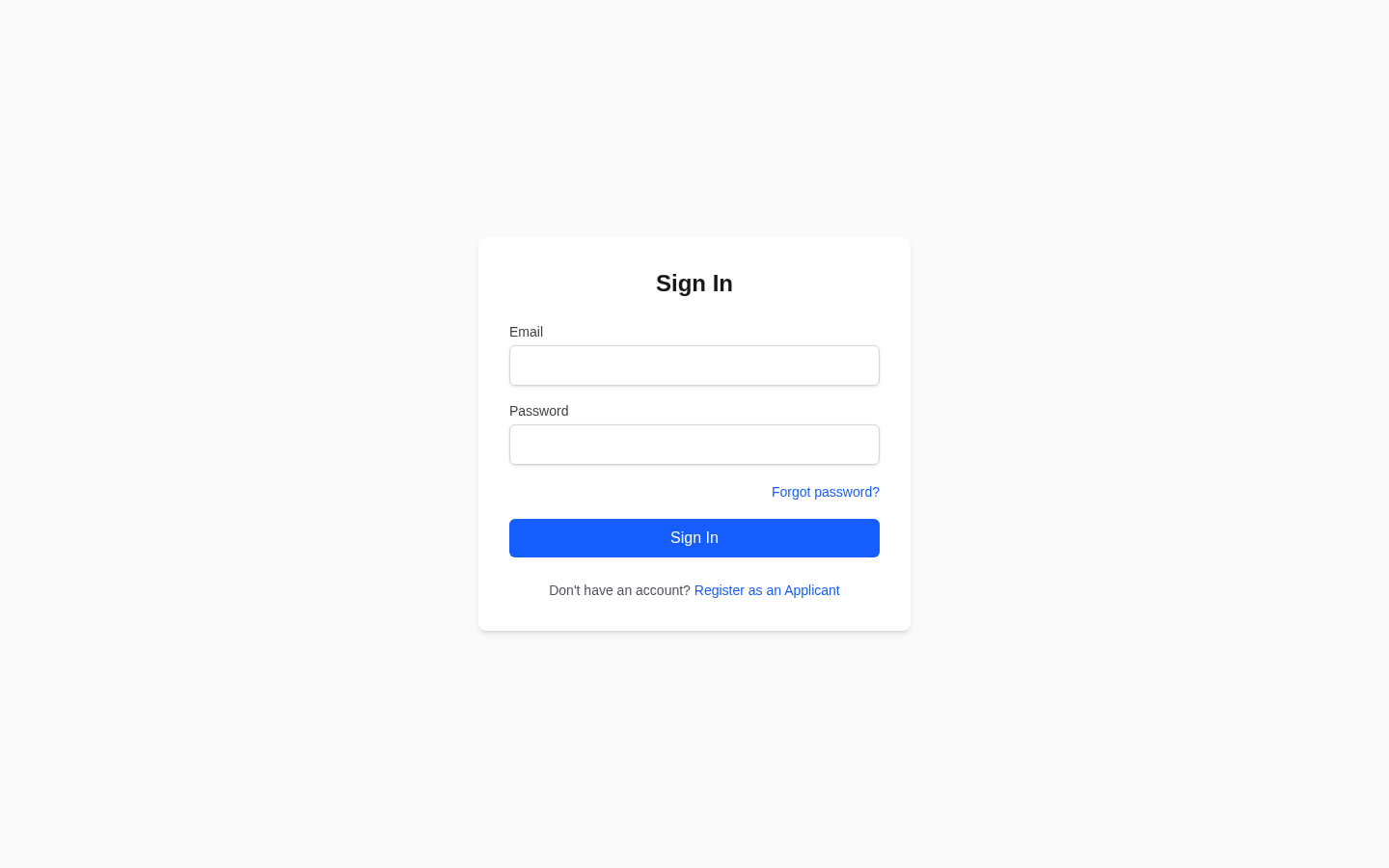
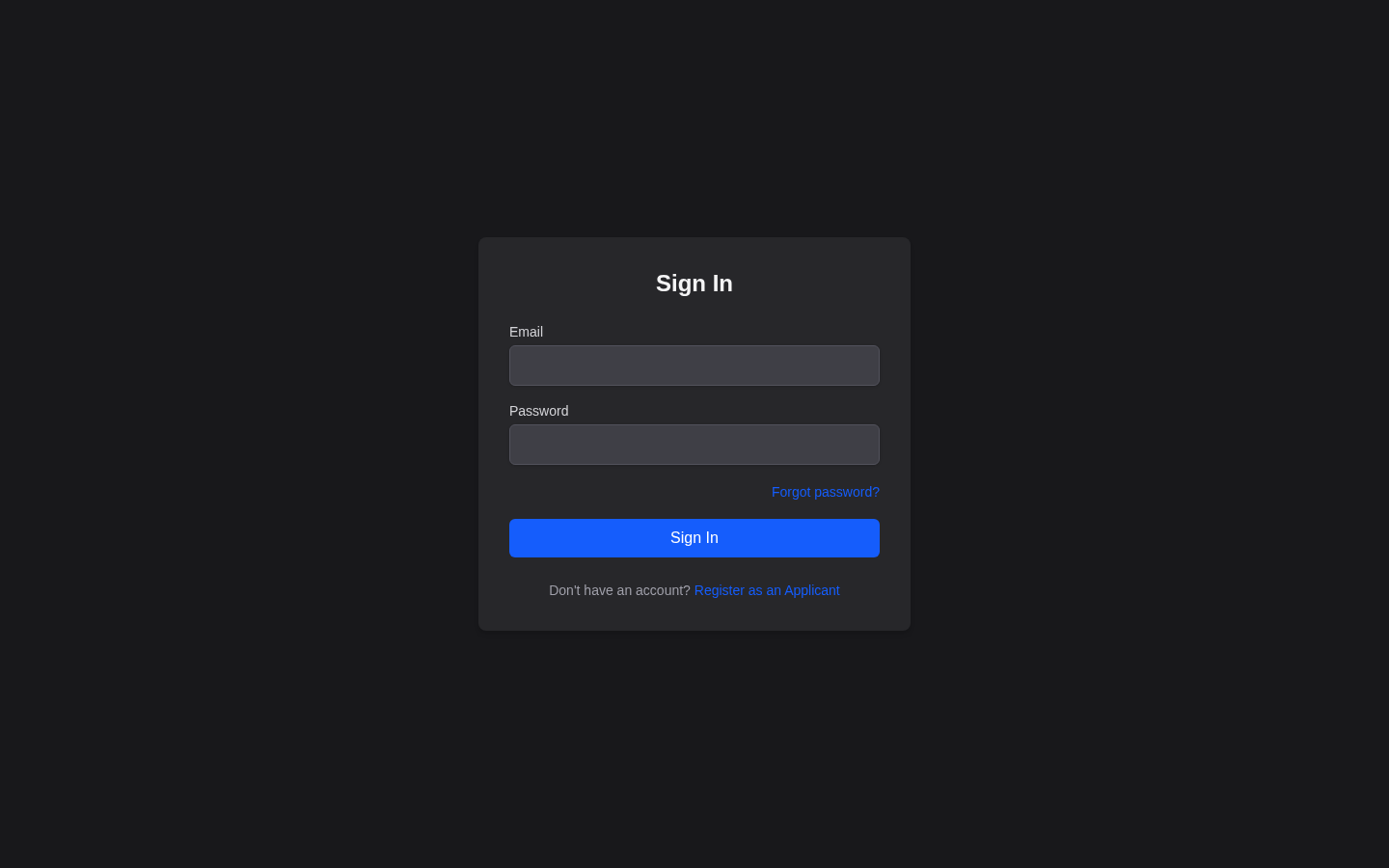
Go to dpewaitlist.com/login, or click Sign In in the top navigation bar. Enter your email address and password, then click Sign In. You will be redirected to your dashboard.
Signing Out
Click your name in the top-right corner of the page, then click Sign Out. You will be redirected to the homepage.
Always sign out when using a shared or public computer to prevent others from accessing your account.
Resetting Your Password
If you have forgotten your password:
- Go to dpewaitlist.com/login.
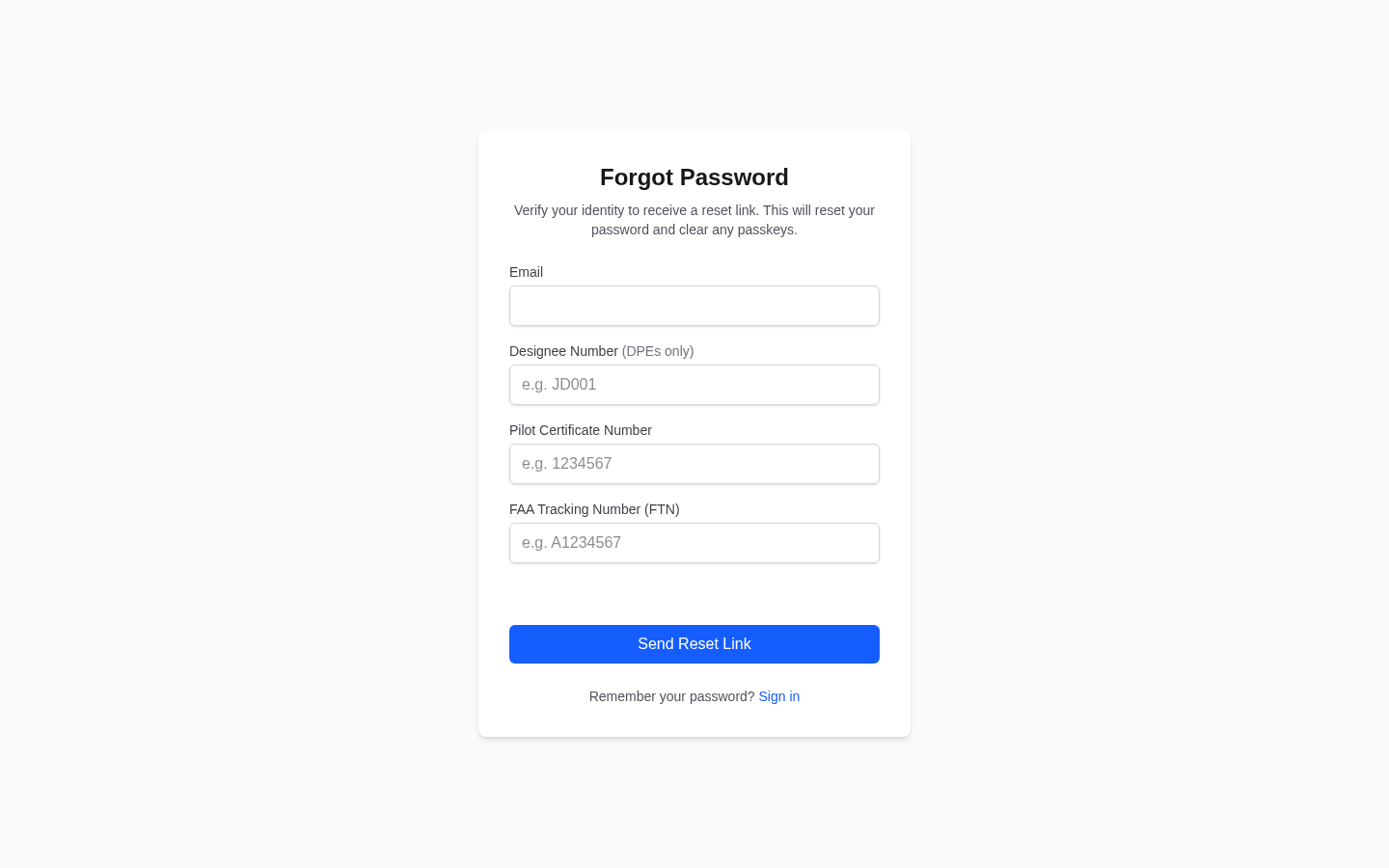
- Click the Forgot Password link below the password field.
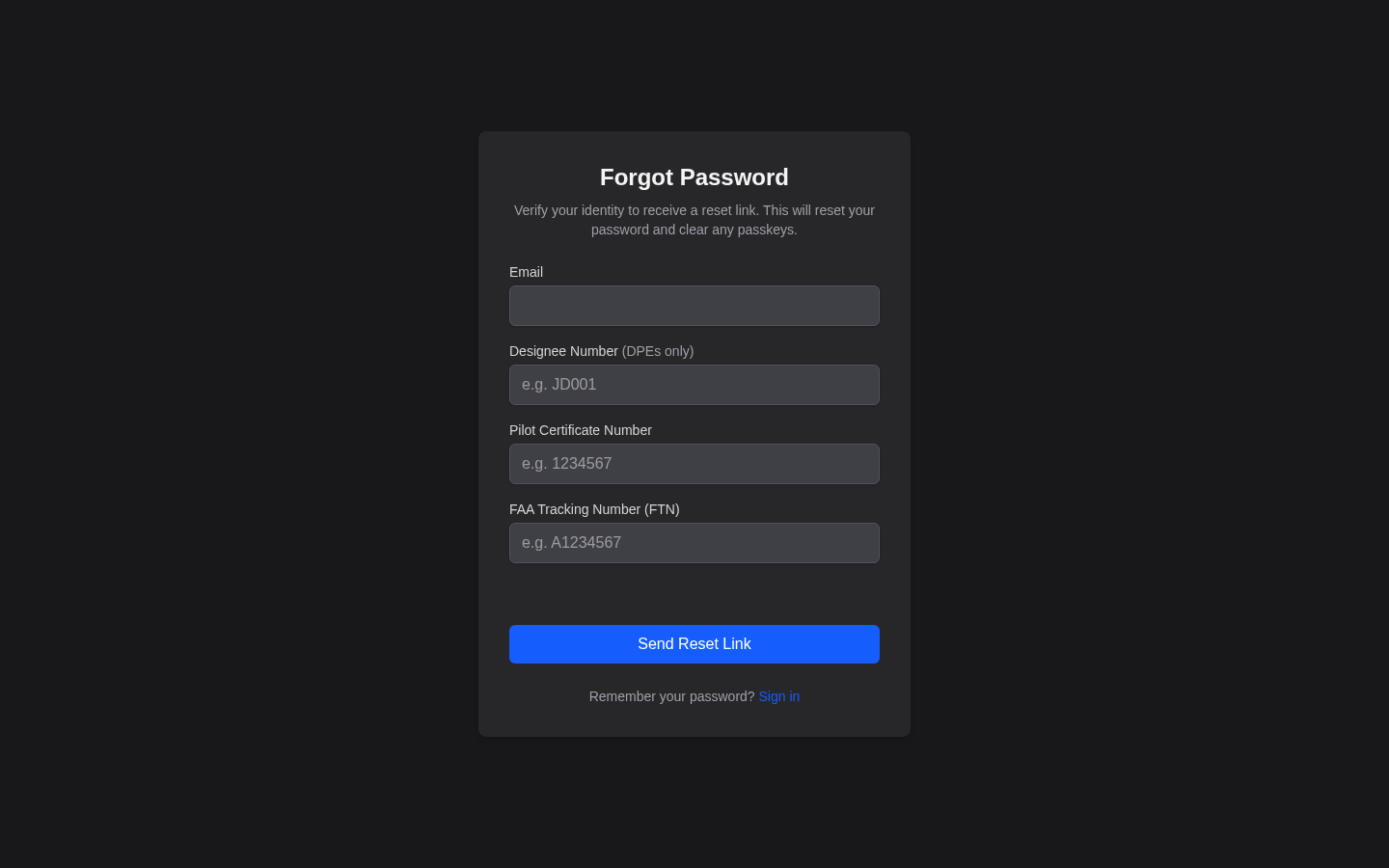
- Enter the requested information associated with your account and click Send Reset Link.
- Check your inbox for a password reset email from DPE Waitlist and click the reset link.
- Enter and confirm your new password (at least 8 characters), then click Reset Password.
You can sign in with your new password immediately after resetting it.
Password reset links expire after a limited time. If your link has expired, return to the login page and request a new one.
Email Verification
Every new account must verify its email address before accessing platform features. After you register, the platform sends a verification email containing a link — click it to activate your account.
If your email is not yet verified when you try to sign in, you will be prompted to verify it. You can request a new verification email from that prompt.
Troubleshooting
- Did not receive the email? — Check your spam or junk folder. Mark messages from DPE Waitlist as "not spam" so future emails reach your inbox.
- Link expired? — Request a new verification or reset email from the login page.
- Wrong email address? — Make sure you are using the same email you registered with. If you registered with a different address than you expected, try your other email addresses.
- Wrong password? — Passwords are case-sensitive. Use the Forgot Password flow described above to reset it.
- Still stuck? — Contact admin@dpewaitlist.com for assistance.